
Most floodlight cameras are designed to replace an existing outdoor light fixture, which means they assume a junction box is already in the wall. For a lot of homeowners, that assumption is wrong. The spot where you want the camera may never have had an outdoor light, or you want to add a second or third floodlight somewhere a junction box was never run. Hiring an electrician to install one runs around $650 on average, a cost that can easily exceed the price of the camera itself.
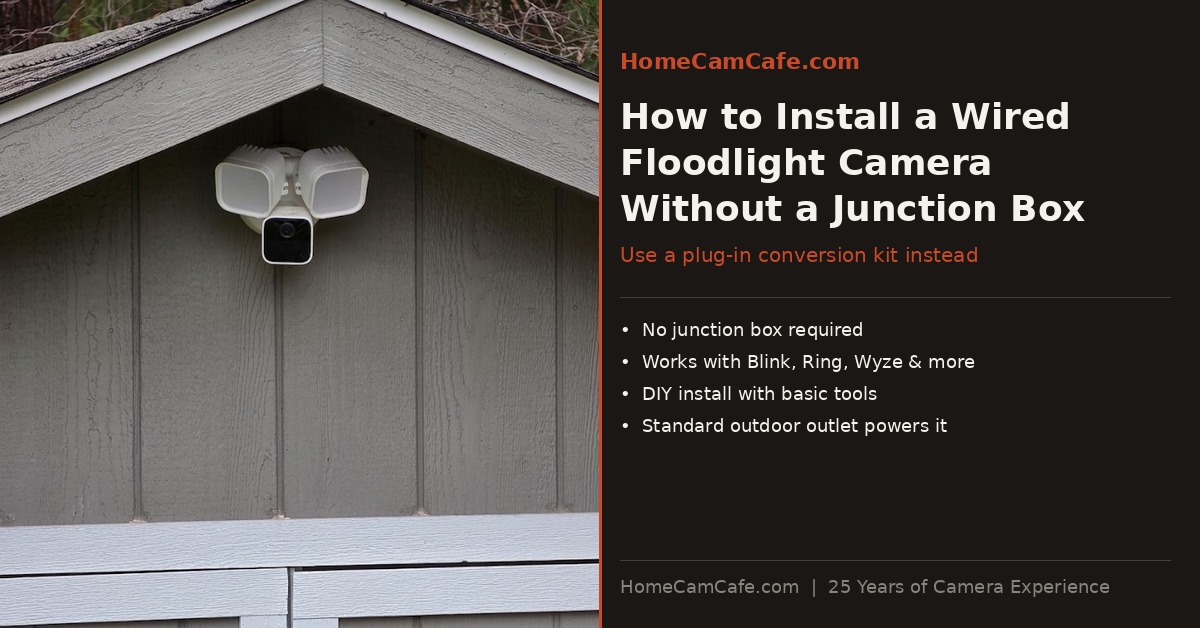
The good news is there are three practical ways to install a floodlight camera without a junction box, and at least one of them will work for almost any situation. I have installed floodlight cameras using all three approaches across my property, including a Blink Wired Floodlight on a shed with no existing wiring. This guide covers each method in detail, with specific product picks and a step-by-step walkthrough for the plug-in approach.
First: Do You Actually Have a Junction Box?
Before assuming there is no junction box, it is worth taking a look. An outdoor junction box is a metal or plastic enclosure mounted on the exterior wall, typically under an eave or above a garage door, with wires running into it from inside the wall. It is covered by the existing light fixture. If there is currently an outdoor light — a porch light, a garage light, a motion-activated floodlight — there is almost certainly a junction box behind it. In that case, a standard hardwired floodlight camera will install directly in its place with no additional work.
The three approaches below are for situations where there genuinely is no junction box, or where the existing box is in the wrong location for the coverage needed.
Option One: Plug-In Mount (Best for Most Homeowners)
The cleanest solution for most situations is a plug-in mount, also called a plug-in conversion kit. It is a bracket that replaces the junction box entirely and connects the floodlight camera to a standard outdoor GFCI outlet via a weatherproof power cable. The camera mounts to the bracket on the wall or eave, the cable runs to the outlet, and the result looks very similar to a hardwired install from any distance. No electrical work required beyond confirming you have a working outdoor outlet nearby.
These kits are widely compatible across brands. A universal third-party kit typically works with the Blink Wired Floodlight Camera, Ring Floodlight Cam Wired Plus and Pro, Wyze Floodlight Camera v2 and Pro, Google Nest Cam with Floodlight, and the eufy Security Floodlight Camera E340. In addition, both Wyze and Ring sell branded versions for their own cameras if you prefer a manufacturer-matched option.
Which Kit to Buy
For Blink and most multi-brand installations, the best choice is a universal third-party kit. The 30-foot plug-in mount kit covers the widest range of cameras and provides more cable reach than standard 20-foot options — useful when your outlet is not directly below the mounting location. The cable is UL-rated 18 AWG copper wire built for outdoor use. Blink does not sell a branded conversion kit of its own, so this third-party option is the correct route for Blink owners.
Wyze makes an official plug-in mount specifically for the Wyze Cam Floodlight Pro. The Wyze Floodlight Cam Plug-In Mount includes a 20-foot weatherproof SJTW-rated power cable, a Velcro strap for cable management, and the mounting bracket. It is compatible with all Wyze Cam Floodlight models including v1, v2, and Pro. Wyze also sells a Wyze Cam Floodlight Pro bundle that includes both the camera and the mount together, which is the better value if you are starting from scratch.
For Ring cameras specifically, Ring’s own plug-in mount is available in white and black, officially supported for the Floodlight Cam Wired Plus, Wired Pro, and Floodlight Cam Pro (2nd Gen). The trade-off compared to the third-party kit is a shorter 20-foot cable and a higher price point.
For buyers who want the eufy E340’s dual-camera coverage without a junction box, eufy sells the eufy Floodlight Camera E340 with AC Cable — a version of the E340 that ships with a 20-foot standard AC cable and three-prong plug, explicitly designed for installation without a junction box. Same 2,000-lumen output, dual 3K/2K cameras, 360° AI tracking, and free local storage as the standard wired model.
What You Need Before You Start
Before mounting anything, confirm you have a grounded GFCI outdoor outlet within cable reach of your target location. Beyond the kit and the camera, gather the following before you climb the ladder:
- A drill with a masonry or wood bit appropriate for your surface
- A Phillips head screwdriver
- A ladder tall enough to reach your mounting height safely
- Outdoor-rated silicone sealant to weatherproof around the base
- Outdoor cable clips or staples to secure the cable run along the wall
- A voltage tester to confirm the outlet is live before committing to the location
- The outlet must be an outdoor-rated GFCI outlet — the kind with the test and reset buttons. A standard indoor outlet is not appropriate for outdoor use.
- Measure the distance from your target mounting location to the nearest outlet before buying a kit. A 20-foot cable reaches most eave and garage locations, but a 30-foot kit gives more flexibility.
- Do not connect power until the camera is fully installed and mounted — plug in last.
How to Install the Kit Step by Step
The process is more straightforward than a traditional hardwire install because you are not working with household wiring at all. However, take your time on each step, particularly when working on a ladder at height.
Step 1: Choose your location. Pick a spot that gives the camera a clear field of view, sits within cable reach of your outlet, and allows you to route the cable discreetly along the roofline, eave, or wall. Most floodlight cameras work best mounted at eight to ten feet off the ground. Additionally, make sure the surface is flat and solid enough to hold the mounting base securely.
Step 2: Route the cable first. Before drilling mounting holes, loosely run the cable from the outlet to the mounting spot. This confirms you have enough length and helps you plan how to secure the cable along the wall. Use outdoor-rated cable clips or staples to keep the run tidy and protect it from wind movement.
Step 3: Mark and drill the mounting holes. Hold the base against the wall at your chosen position and mark the screw hole locations with a pencil. Drill pilot holes appropriate for your surface, whether that is wood siding, stucco, or brick. For masonry surfaces, use a hammer drill and masonry anchors.
Step 4: Connect the cable to the base. Thread the cable through the base housing and secure the connection according to the kit instructions. Most kits use a simple clamp or twist-lock connector inside the base enclosure. Once connected, tuck any excess cable neatly into the housing.
Step 5: Mount the base to the wall. Secure the base with the provided screws. Apply a bead of outdoor silicone sealant around the perimeter of the base where it meets the wall surface. This step prevents water from working behind the mount over time, which is especially important on wood siding.
Step 6: Attach the camera. Follow your camera manufacturer’s instructions to attach the floodlight camera to the mounted base. For the Blink Wired Floodlight, this means connecting the wiring leads from the kit to the camera’s corresponding wires using the included wire connectors, then securing the camera body to the base. For Wyze and Ring, the camera typically clips or screws directly onto the bracket.
Step 7: Secure and plug in the cable. Clip the cable along the wall or eave down to the outlet. Plug the three-prong connector into your outdoor GFCI outlet. The camera should power on immediately.
Step 8: Complete app setup. Open your camera’s app and finish the initial setup. For Blink, add the device in the Blink Home Monitor app. For Wyze, use the Wyze app. Adjust the camera angle and floodlight heads to cover your target zone, then run a motion detection test to confirm everything is working correctly.
Managing the Cable Run
The most common concern with plug-in kits is the visible cable. With some planning, however, you can keep the install looking clean. Running the cable along the underside of an eave hides it almost completely from ground level. If the cable must run down a wall, paintable outdoor cable raceways enclose it neatly. Furthermore, routing the cable through a soffit or exterior wall via a drilled pass-through produces a fully concealed run, though that adds complexity to the install.
One practical note: do not run the cable across high-traffic areas or anywhere it could be tripped over, pinched by a door, or reached by a lawn mower. The cable is weatherproof but not armored. Treat it with the same care you would any outdoor extension cord.
Option Two: Solar Battery Floodlight Camera (No Outlet, No Wiring)
For locations where there is no outdoor outlet either — the back corner of a yard, a detached structure, a fence line — a solar-powered battery floodlight camera is the only truly infrastructure-free solution. No wiring, no outlet, no electrician, no cable to manage. The camera mounts anywhere and runs indefinitely on solar power.
The Tapo C615F KIT is the best option in this category. It pairs a 2K pan/tilt camera with an 800-lumen floodlight and a solar panel in a single wire-free kit. The 10,400mAh battery provides up to 140 days of backup power when solar input is low, and Tapo rates just 45 minutes of direct sunlight per day as sufficient for continuous operation. The camera includes 360° AI motion tracking, free person, vehicle, and pet detection, and local microSD storage up to 512GB — no subscription required.
The honest trade-off is brightness. At 800 lumens, the Tapo C615F produces noticeably less light than a hardwired floodlight. It is effective for triggering color night vision and deterring intruders at close range, but will not fully illuminate a large open driveway or backyard the way a 2,000 to 3,000 lumen wired unit does. For most residential applications — a side gate, a back corner, a detached shed — the brightness is more than adequate. For a full hands-on review, see the Tapo C615F review.
Option Three: Power over Ethernet
Power over Ethernet is a less common but genuinely useful option for buyers comfortable running a cable. A single Ethernet cable carries both data and power from a PoE switch or injector indoors to the camera outside — no junction box, no outdoor outlet, and no electrical work beyond drilling a hole through the wall for the cable.
The installation process: run a CAT6 Ethernet cable from a PoE switch inside the house, through the wall at the desired mounting location, and connect it to a compatible floodlight camera outside. The camera receives power through the Ethernet cable and connects to the network through the same cable, with no Wi-Fi dependency and no separate power run required. The eufy Floodlight Camera E340 offers a PoE version, making it a strong option for this approach. A PoE setup is generally more involved than the plug-in mount method but produces a very clean finished install with no visible cable runs along the exterior wall.
Comparison: Which Approach Is Right for Your Situation?
| Approach | Best Pick | Requires | Brightness | Difficulty |
|---|---|---|---|---|
| Plug-In (Blink/Ring/Multi-Brand) | Universal 30ft Kit | Outdoor GFCI outlet within 30ft | 2,600+ lumens | Easy |
| Plug-In (Wyze) | Wyze Floodlight Pro + Plug-In Mount | Outdoor GFCI outlet within 20ft | 3,000 lumens | Easy |
| Plug-In (No Subscription) | eufy E340 with AC Cable | Outdoor GFCI outlet within 20ft | 2,000 lumens | Easy |
| Solar Battery | Tapo C615F KIT | Sunlight only | 800 lumens | Easiest |
| PoE | eufy E340 (PoE version) | CAT6 cable run + PoE switch | 2,000 lumens | Moderate |
For most homeowners, the plug-in mount approach is the right call. It delivers the full floodlight experience with continuous power and no battery management, and the install takes under an hour with basic tools. The solar battery approach is the right call when there is genuinely no outlet nearby — the Tapo C615F gives up some brightness but gains complete location freedom. PoE is worth considering when a clean, cable-free exterior appearance is a priority and running a single cable through the wall is acceptable.
Bottom Line
No junction box is not the obstacle it used to be. A plug-in conversion kit delivers full hardwired-camera performance from any outdoor GFCI outlet, with no electrician and no breaker box work. For Blink owners, the universal 30-foot third-party kit is the correct choice. For Wyze owners, the official plug-in mount bundle is the cleanest option. For locations with no outlet at all, the Tapo C615F KIT runs entirely on solar with no wiring whatsoever.
The one hard limit: if your target location has no outlet within 30 feet and does not get reliable sun, you are back to running new wire — and at that point, an electrician is the right call.
For individual camera reviews covering the models mentioned here, see the Blink Wired Floodlight Camera review, the Wyze Cam Floodlight Pro review, and the Tapo C615F review. For brand-specific coverage, visit the Blink hub, the Wyze hub, and the Tapo hub. For more installation guides across all brands, see the how-to guides index.
