
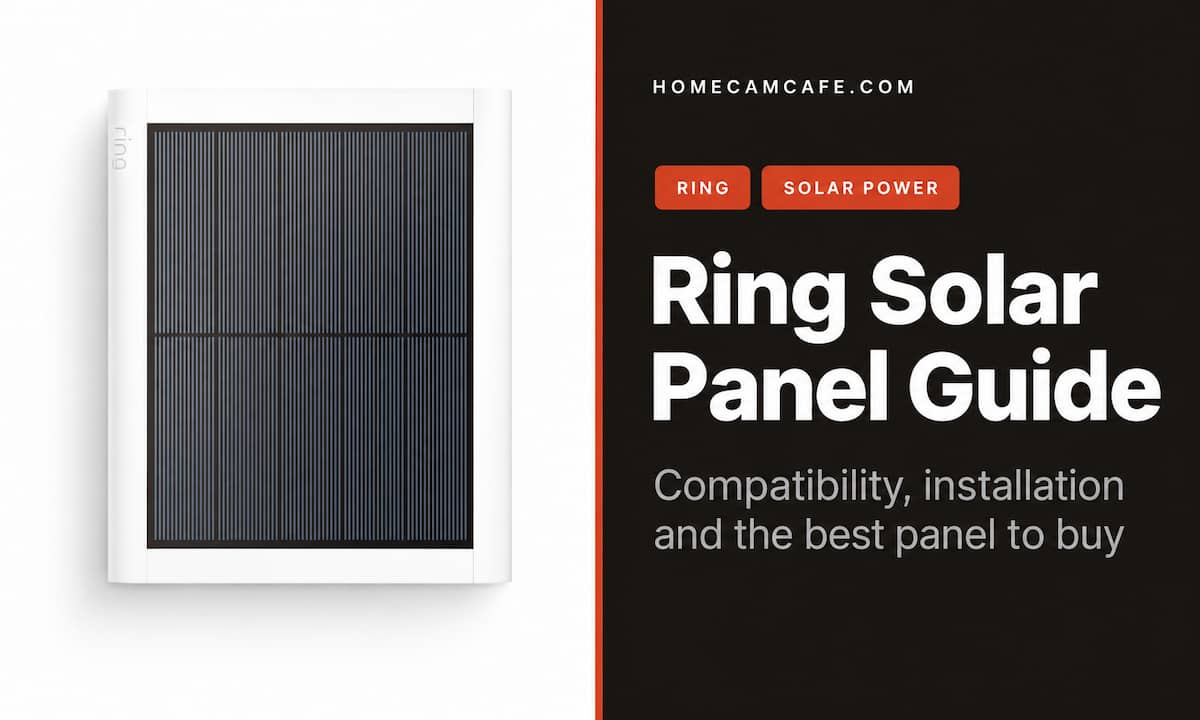
Which Ring solar panel should you buy? For most compatible battery cameras, the 4W Ring Solar Panel (2nd Generation) is the better pick. Ring also sells a smaller 1.9W panel for tight mounting spots with ample direct sun. Either can reduce the need to recharge a camera battery, but neither guarantees that you will never charge it by hand. The camera model, connector, daily activity, and panel location all matter.
Ring Solar Panel vs. Small Solar Panel
Ring’s two current solar panels for compatible security cameras use a USB-C cable and include a USB-C-to-barrel-plug adapter for supported older cameras. The larger panel offers more rated output and needs less direct sun under Ring’s stated guidelines. The smaller panel is easier to fit beside a camera or around an architectural obstruction.
| Panel | Rated output | Ring’s recommended direct sun | Best fit |
|---|---|---|---|
| Ring Solar Panel (2nd Generation) | 4W | At least 2–3 hours a day | Most compatible camera installations |
| Ring Small Solar Panel (black) | 1.9W | At least 3–4 hours a day | Limited mounting space with good sun |
Those sunlight figures are Ring’s recommendations for best performance, not a promise of uninterrupted charging. The 4W panel measures about 8.1 by 6.7 inches; the Small panel is about 6.9 by 4.4 inches. Both have a 6.5-foot attached USB-C cable. Check that the cable can reach from your chosen sunny spot to the camera before drilling.
Which Panel Should You Choose?
Choose the 4W panel for most cameras
The 4W Ring Solar Panel is our default recommendation when you have room for it. Its higher rated output gives you more margin when the camera records frequently or daylight is less reliable. Ring recommends at least two to three hours of direct sun per day, but a camera with heavy activity can still consume more power than the panel replaces. Place the panel for the best sun exposure rather than simply mounting it next to the camera.
Choose the Small panel when space is the constraint
The 1.9W Small Solar Panel makes sense on a narrow post or in another location where the larger panel will not fit. Ring recommends at least three to four hours of direct sun a day for this model. A small panel in clear sunlight can be more useful than a larger one tucked under an overhang, but its lower rated output leaves less room for frequent recording or winter weather.
You may still see the older 5W Super Solar Panel for sale. Ring lists it as discontinued; it is a separate older barrel-plug product. Do not assume a Super panel listing includes the USB-C connection or works with a current USB-C camera. This guide’s recommendations concern the two current USB-C panels.
What About Third-Party Ring Solar Panels?
Third-party panels can be tempting when you need a longer cable or see a panel advertised with a higher wattage rating. The advertised wattage alone does not tell you how much charge your camera will receive in its actual mounting location. Shade, panel orientation, recording activity, and the quality of the cable and camera connection all matter.
Before buying one, confirm that the listing names your exact Ring camera model and generation, includes the correct USB-C or barrel-plug connector, and describes how the outdoor connection is protected from water. Also check the cable length and the seller’s return policy. We have not tested a third-party panel against these Ring models, so the two official Ring panels remain our recommendations. If your main problem is finding direct sun, choose the mounting location first: a longer cable may help, while an optimistic wattage claim will not fix a shaded spot.
Ring Solar Panel for Stick Up Cam, Spotlight Cam, and Outdoor Cam Plus
If you need a Ring solar panel for Stick Up Cam, check its generation and connector first. The current USB-C panels support Stick Up Cam Pro directly; the included adapter supports specified older barrel-plug Stick Up Cam Battery models (2nd and 3rd Generation). The original first-generation Stick Up Cam is excluded.
For a Ring solar panel for Spotlight Cam, the current panels support Spotlight Cam (2nd Gen), Spotlight Cam Plus, and Spotlight Cam Pro with USB-C. Older Spotlight Cam Battery and Solar models appear on Ring’s barrel-plug compatibility list and require the included adapter. Outdoor Cam Plus is also listed for direct USB-C connection. Model names have changed over time, so identify your exact camera in the Ring app and check Ring’s device compatibility list before ordering.
Doorbell owners: These camera panels are not the default choice for a Ring battery doorbell. Ring sells separate doorbell solar accessories, and the correct one depends on the doorbell generation and connector. Check the exact doorbell model before buying.
A solar panel charges the camera’s battery; it does not run the camera by itself. Ring says a battery must remain installed. For cameras with a quick-release battery pack, you usually remove the pack to charge it rather than taking the whole camera down. The panel may save repeated climbs to an awkward mounting location, but it will not replace the battery.
How Much Sun Does a Ring Solar Panel Need?
Direct sunlight matters more than a bright-looking location. A roof overhang, tree, or railing can cast shade on the panel for hours even when the camera itself has a clear view. Ring’s current guidance is at least two to three hours of direct sun daily for the 4W panel and three to four hours for the Small panel. Those are starting points: motion events, video length, snapshot settings, Live View use, temperature, and seasonal daylight all affect the battery balance.
If you are in the Northern Hemisphere, a south-facing location with an unobstructed view of the sky is a good place to start. Watch how shadows move across the proposed mounting spot during the day. If the only available spot stays shaded, neither panel is likely to eliminate manual charging. A plug-in power option, where supported and practical, may be a better answer for that location.
Ring Solar Panel Installation and a Useful Mounting Accessory
Charge the camera battery before installation. Choose a sunny panel location within reach of the attached cable, attach the included mounting base with the supplied screws and anchors as appropriate for the surface, aim the panel, and route the cable so it will not snag or hold standing water at the connection. Connect the USB-C plug directly to a compatible camera, or use the included barrel-plug adapter for a supported older model. Follow Ring’s model-specific installation instructions for the connector cover and cable routing.
If the sunniest spot is a gutter, the Ring Gutter Mount for cameras and solar panels is an optional accessory to consider. Check its supported-device list and whether its position gives the camera the view you want. A gutter mount is not necessary for an ordinary wall installation, and a higher mounting position alone will not help if the panel sits in shade.
How to Tell Whether Solar Charging Is Working
In the Ring app, open the camera and check Device Health for the solar connection status. Then look at the battery level over several normal days, especially after a cloudy stretch. A connected panel means the camera recognizes the accessory; the battery trend tells you whether the available sunlight is keeping up with your settings and activity. Ring manages charging to protect the battery, so do not treat a reading below 100% as proof the panel has failed.
If the battery keeps falling, first confirm the plug and adapter are seated correctly. Look for shade that appears only at certain hours, dirt on the panel, or a recent rise in motion events and recording time. Move the panel into better direct sun when possible. If the location already has good exposure, review the camera’s power settings before buying another panel. Ring’s Device Health instructions show where to confirm the solar connection.
Is a Ring Solar Panel Worth It?
For a compatible battery camera in a sunny position, yes, especially if reaching the battery is inconvenient. The 4W panel is the safer general choice because it offers more rated output and Ring recommends fewer hours of direct sun. Choose the Small panel when its compact size solves a real mounting problem and the site gets enough direct sun. In shade or during long stretches of poor weather, expect some manual charging even with a panel connected.
Our verdict
Buy the 4W Ring Solar Panel (2nd Generation) for most supported outdoor battery cameras. Buy the 1.9W Small Solar Panel when mounting space is limited and the spot receives at least three to four hours of direct sun. Verify your exact camera model and connector first; solar reduces battery maintenance only when the panel gets enough sunlight to keep pace with the camera.
For more on the cameras themselves, see our Ring camera reviews and guides and our Outdoor Cam Plus review.
