
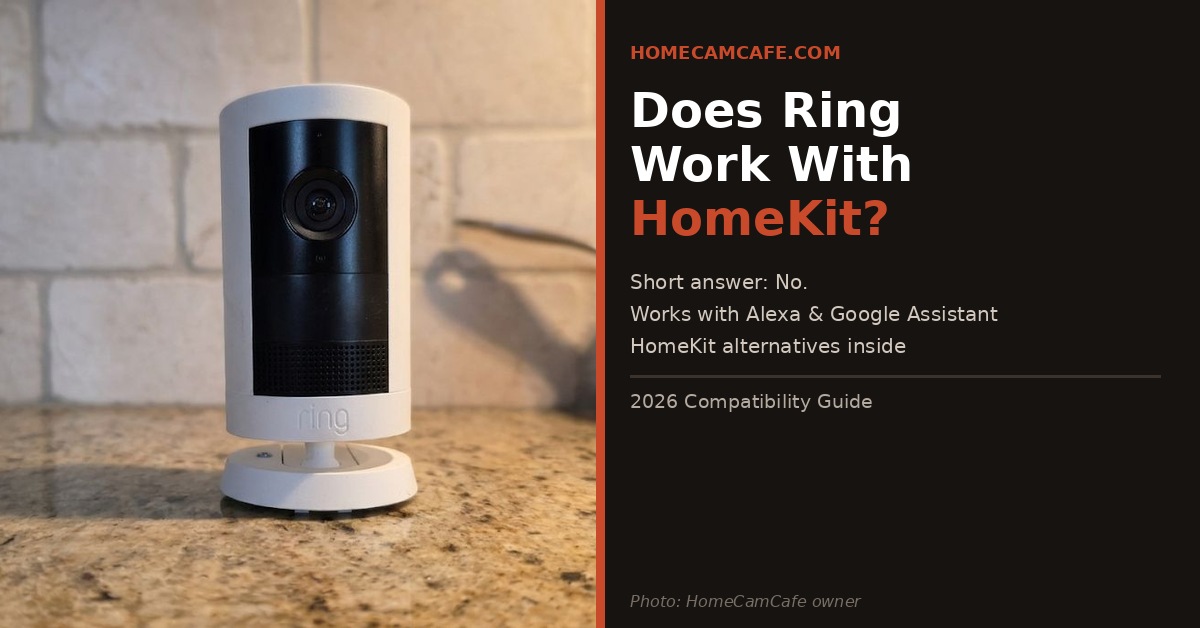
No — Ring cameras do not support Apple HomeKit. This is one of the most common compatibility questions Ring buyers ask, and the answer hasn’t changed despite years of requests from the Apple community. Ring is owned by Amazon, and the two companies have little incentive to play nicely with Apple’s ecosystem. If HomeKit compatibility is a priority for you, Ring is not the right camera platform. This article explains why, what limited workarounds exist, and which cameras actually support HomeKit if that’s what you need.
Why Ring Doesn’t Support HomeKit
Ring is an Amazon company. Amazon has its own smart home ecosystem — Alexa — and has little commercial incentive to integrate with Apple’s competing HomeKit platform. HomeKit requires manufacturers to go through Apple’s Made for iPhone certification process and build support directly into their firmware. Ring has never done this, and there’s no indication they plan to.
This isn’t a technical limitation — it’s a business decision. Ring cameras work exceptionally well with Alexa, and Amazon has continued investing in that integration rather than expanding to competing platforms. As a result, if you’re building a HomeKit home and want your security cameras to appear in the Home app, work with Siri, or automate with HomeKit scenes, Ring simply won’t fit into that setup.
Bottom line: Ring works with Amazon Alexa and Google Assistant. It does not work with Apple HomeKit, and there is no official workaround or timeline for HomeKit support.
Are There Any Workarounds?
There is one unofficial workaround worth knowing about: Homebridge. Homebridge is an open-source server that runs on a Raspberry Pi or spare computer and acts as a bridge between non-HomeKit devices and the Apple Home app. A Ring plugin for Homebridge exists and allows Ring cameras to appear in the Home app with basic functionality — live view and motion alerts.
However, this comes with significant caveats. Setting up Homebridge requires technical comfort with command-line tools and self-hosted software. Furthermore, the Ring plugin relies on unofficial API access that Ring can break at any time with a firmware update — and has done so in the past. It’s not a reliable long-term solution, and it’s certainly not plug-and-play. For most homeowners, Homebridge is more trouble than it’s worth.
There is no other practical workaround. Third-party automation platforms like Home Assistant can connect Ring to a broader smart home setup, but again this requires technical setup and doesn’t provide native HomeKit integration the way a certified camera would.
What Ring Does Work With
If you’re not locked into HomeKit, Ring’s ecosystem integrations are actually quite strong. Ring works natively with Amazon Alexa — you can stream live video to Echo Show devices, get motion announcements on Echo speakers, arm and disarm Ring Alarm by voice, and build Alexa routines that trigger Ring cameras. Ring also works with Google Assistant for basic live view and announcements on Google Nest Hub and compatible devices.
Additionally, Ring integrates with its own broader ecosystem — Ring Alarm, Ring Video Doorbells, Ring Smart Lighting, and Ring Floodlight cameras all work together in the Ring app with shared alerts, modes, and automations. For buyers already invested in Alexa, Ring is one of the most deeply integrated camera platforms available. For a closer look at one of Ring’s best outdoor cameras, see our Ring Outdoor Cam Plus review.
Security Cameras That Actually Support HomeKit
If HomeKit compatibility is a requirement, there are solid alternatives worth considering. Here’s how the main options compare:
| Camera | HomeKit | Alexa | Subscription | |
|---|---|---|---|---|
| Ring Outdoor Cam Plus | No | Yes | Yes | Required for recording |
| Aqara G5 Pro | Yes | Yes | Yes | iCloud+ for HSV |
| Eufy Indoor Cam 2K | Yes | Yes | Yes | No subscription needed |
| Arlo Pro 6 | Yes | Yes | Yes | Optional |
| Google Nest Cam | No | No | Yes | Required for recording |
The Aqara G5 Pro is the strongest all-around HomeKit camera right now — 4K resolution, IP65 outdoor rating, HomeKit Secure Video support, and it also works with Alexa and Google Assistant, making it a good fit for mixed smart home setups. The Arlo Pro 6 is the most flexible option, supporting HomeKit, Alexa, and Google Assistant simultaneously, making it a good choice for mixed smart home setups. If you want no subscription at all and still need HomeKit, some eufy models offer HomeKit support with free local microSD storage.
Should You Switch From Ring for HomeKit?
That depends on how central HomeKit is to your setup. If you use Siri for home automation, rely on the Apple Home app as your control hub, or want cameras to appear natively in HomeKit scenes and automations, then yes — Ring will always be a second-class citizen in that environment and switching makes sense.
On the other hand, if you just use your iPhone (or you are an Android user) but don’t rely heavily on HomeKit automations, Ring’s own app is polished and capable. You don’t need HomeKit to get full value from a Ring camera — you just won’t be able to use it within Apple’s native home control system. For buyers who want no subscription and solid outdoor coverage regardless of ecosystem, our best no-subscription security cameras roundup covers the strongest alternatives across all platforms.
Bottom Line
Ring does not support Apple HomeKit and there is no official workaround. Ring cameras work with Alexa and Google Assistant, but will not appear in the Apple Home app or respond to Siri. If HomeKit is a requirement, consider the Logitech Circle View for a pure HomeKit experience, the Arlo Pro 4 for a multi-platform setup, or eufy cameras for HomeKit with no subscription. If HomeKit isn’t essential to your setup, Ring remains a strong outdoor camera platform with a polished app and deep Alexa integration.
Frequently Asked Questions
Does Ring work with Apple HomeKit?
No. Ring cameras and doorbells do not support Apple HomeKit. Ring works with Amazon Alexa and Google Assistant, but cannot be added to the Apple Home app or controlled via Siri.
Will Ring ever support HomeKit?
There is no official announcement or timeline from Ring regarding HomeKit support. Given that Ring is an Amazon company and HomeKit is an Apple platform, native support remains unlikely in the foreseeable future, but you never know.
Can I use Ring with my iPhone?
Yes. The Ring app works on iPhone and iPad quite capably. You can view live footage, receive motion alerts, speak through two-way audio, and manage all camera settings from the Ring iOS app. What you cannot do is add Ring cameras to the Apple Home app or use Siri to control them.
What is the best HomeKit security camera?
The Aqara is the most fully HomeKit-native outdoor camera available. The Arlo Pro 6 supports HomeKit alongside Alexa and Google Assistant, making it the most flexible option for mixed smart home setups.
Does Ring work with Siri?
No. Because Ring does not support HomeKit, Siri cannot control Ring cameras or access Ring footage. Ring responds to Alexa voice commands but not Siri.
