
If you want to see further with a security camera and get a clearer image, the good news is that most of the fixes cost nothing. Placement, resolution settings, and a few app-level tweaks can dramatically extend what your camera sees, both during the day and at night. In addition, for situations where built-in night vision simply is not enough, there is an affordable hardware solution worth knowing about. This guide walks through every practical step, in order from easiest to most involved.
1. Start with Camera Placement
Placement has a bigger impact on coverage than almost any other factor. Most home security cameras have a wide field of view, typically between 110 and 130 degrees. However, that wide angle only works in your favor if the camera is positioned to use it well.
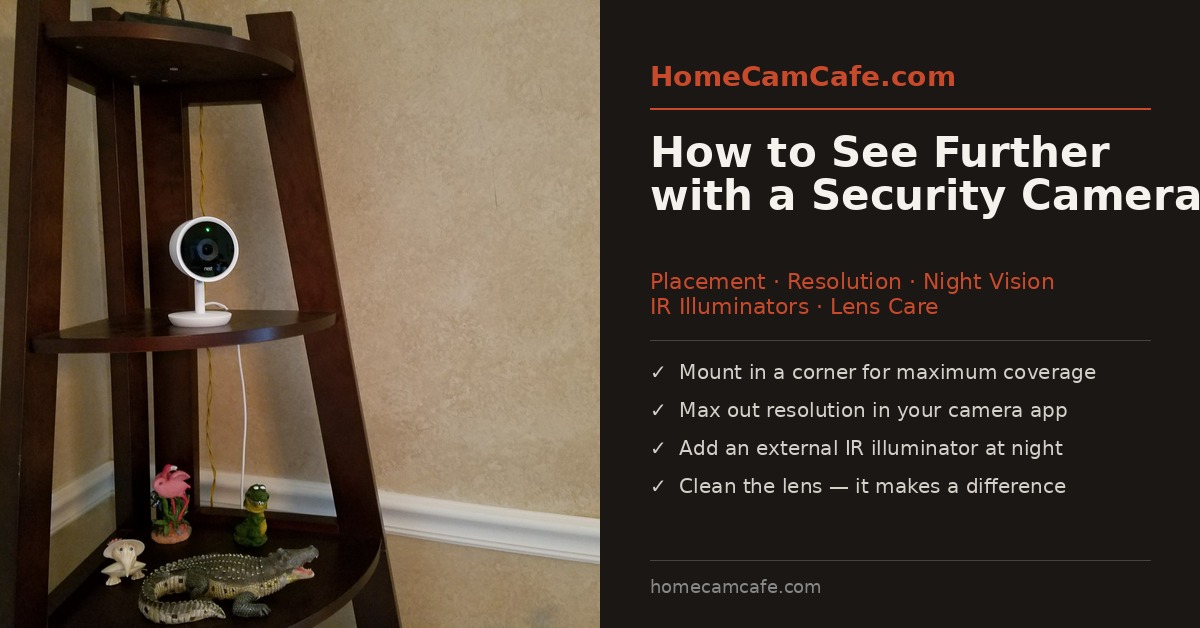
Corner mounting is the single biggest coverage upgrade you can make. Placing a camera in a room corner gives it a diagonal sightline across the entire space. As a result, one camera can often do the job of two. Mount it high, angle it downward slightly, and you eliminate most blind spots without adding hardware.
For indoor cameras without a nearby corner shelf, a simple security camera corner mount bracket handles this cleanly. These adhesive or screw-in brackets hold most indoor cameras securely in a corner position without any major installation work. Furthermore, they are inexpensive and widely available for virtually every camera form factor.
For outdoor cameras, height matters as much as angle. Mounting a camera at 8 to 10 feet off the ground gives it a wide, unobstructed sightline while keeping it out of easy reach. Most importantly, avoid pointing outdoor cameras directly at bright light sources like street lamps, as this causes the image to blow out and reduces effective range significantly.
2. Push Resolution to Its Maximum Setting
This one surprises a lot of people. Many cameras ship with resolution set below their maximum, often to reduce bandwidth or storage usage. Therefore, the first thing to check in your camera app or web portal is the video quality setting.
If your camera supports 1080p, make sure it is actually running at 1080p. If it supports 2K or 4K, use that. Higher resolution does not necessarily extend the optical range of the lens, but it gives you far more detail within that range. In contrast, a 720p stream will look noticeably soft when you zoom in on a face or a license plate, even if the camera physically captured the detail.
Additionally, check the bitrate setting if your camera exposes it. A higher bitrate reduces compression artifacts, which makes the image look cleaner and more detailed, especially in low light or when there is a lot of movement in the frame.
One practical note: pushing resolution up will increase bandwidth use and local storage consumption. However, for most home networks and modern NVR or cloud setups, this is not a problem worth worrying about.
3. Use Digital Zoom Correctly
Most camera apps include a digital zoom feature, either pinch-to-zoom on mobile or a plus/minus control on desktop. Digital zoom crops and enlarges the image rather than optically magnifying it, so the quality depends heavily on the base resolution.
For example, on a 4K camera, zooming in 2x still leaves you with a 1080p-equivalent image, which looks sharp. On a 1080p camera, the same 2x zoom produces a noticeably soft result. This is one of the stronger arguments for running the highest resolution your camera supports.
Some cameras, particularly newer models from eufy and Tapo, offer optical or hybrid zoom. These retain image quality much better when zooming in. If you find yourself regularly needing to zoom in on a specific area, a camera with optical zoom is worth considering for that location.
Additionally, many camera apps let you set a persistent zoom level or define an activity zone that crops the view to a specific region. This is a useful way to focus recording on a doorway or driveway without manually zooming every time you check the feed.
4. Clean the Lens
An underrated fix, and a free one. Dust, smudges, spider webs, and moisture residue all reduce image clarity. Outdoor cameras accumulate grime quickly, especially around the lens housing. Furthermore, indoor cameras near vents or in dusty rooms can develop a film over time that softens the image noticeably.
Use a microfiber cloth and a small amount of lens-safe cleaning solution. Avoid paper towels or rough fabric, as these can scratch the lens coating. A camera lens cleaning kit works well. For outdoor cameras, make this part of a seasonal maintenance routine.
Also check the mounting position of outdoor cameras after heavy rain or wind. A shifted camera angle can drastically reduce coverage even if the lens itself is clean.
5. Understand Night Vision Range and Its Limits
Most home security cameras use infrared LEDs for night vision. In complete darkness, a typical camera with built-in IR can see clearly out to 20 to 30 feet. Beyond that distance, the image fades to a grey blur. In addition, several factors can reduce effective range further.
Reflective surfaces are a major culprit. Glass, in particular, causes the camera’s IR to bounce back into the lens, washing out the image. If you are using a camera behind a window, turn night vision off and rely on exterior lighting instead. This usually produces a better result than fighting the IR reflection.
Fog, rain, and heavy snow also scatter infrared light significantly. In these conditions, a camera’s stated night vision range may drop by half or more. There is no software fix for this, it is a physical limitation of IR-based night vision.
On the other hand, adding ambient light, such as a porch light or motion-activated flood, can extend what the camera sees at night even without IR. Many cameras handle low-light color footage surprisingly well when there is at least some visible light source nearby. It often works better than the IR vision.
6. Add an External IR Illuminator for Long-Range Night Vision
When built-in IR is not enough, an external IR illuminator is the most effective upgrade available. These devices flood an area with infrared light that is invisible to the human eye but clearly visible to any night-vision camera. As a result, you can dramatically extend a camera’s effective night range, sometimes to 80 feet or beyond, without adding visible lighting.
The Univivi IR Illuminator 8-LED is a solid, affordable option with a 90-degree wide angle that pairs well with wide-angle cameras. It runs on a 12V adapter and is rated IP67 for weatherproofing, so it works outdoors year-round. Mount it near the camera and point it in the same direction for best results.
For longer range, a higher-LED model such as the 20-LED external IR illuminator options on Amazon extend coverage considerably further. These are especially useful for driveways, large backyards, or any area where the camera needs to see well beyond the 25-foot range of typical built-in IR.
One important note on wavelength: most home security cameras work with 850nm IR illuminators, which produce a faint red glow visible to the eye. If you want completely invisible IR, look for 940nm models. However, 940nm illuminators are somewhat less powerful at the same LED count. Check your camera’s spec sheet before buying to confirm compatibility.
7. Check Your Network and Power Connection
A final factor that is easy to overlook: a weak Wi-Fi signal causes cameras to drop to lower resolutions automatically in order to maintain a stable stream. Therefore, if your camera seems to look worse than it used to, the problem may be the connection rather than the camera itself.
Most camera apps display signal strength or connection quality somewhere in the settings menu. Ideally, a camera should show a strong signal, not just an adequate one. If the camera is far from your router, a Wi-Fi extender or a mesh node placed nearby can make a meaningful difference in image quality and reliability.
For outdoor cameras specifically, a wired power connection is always preferable to battery power where it is practical. Battery-powered cameras sometimes reduce resolution or frame rate to conserve charge, particularly in cold weather. Furthermore, wired cameras do not have the interruption risk that comes with a battery running low overnight.
Quick Reference: What Affects Range and Clarity
| Factor | Impact | Fix |
|---|---|---|
| Camera placement | Very high | Mount in corner, aim diagonally |
| Resolution setting | High | Max out in app settings |
| Dirty lens | Medium to high | Clean with microfiber cloth |
| Built-in IR range | High at night | Add external IR illuminator |
| Window IR reflection | Very high | Turn IR off, use ambient light |
| Weak Wi-Fi signal | Medium | Extender or mesh node nearby |
| Battery vs wired power | Low to medium | Use wired power where possible |
Bottom Line
Start with placement and resolution settings, as these are free and have the biggest impact. Clean the lens if image quality seems off for no obvious reason. For night vision beyond 25 to 30 feet, an external IR illuminator is the most effective upgrade you can make. Finally, check your Wi-Fi signal if resolution seems to have degraded over time. Most people will solve the problem without spending a dollar.
For more on getting the most out of specific camera brands, see the HomeCamCafe reviews and the how-to guides. We also mentioned a few specific brands in this article, see the eufy hub and the TP-Link Tapo hub.
