
Arlo cameras have an LED status light that blinks or glows to indicate the camera’s current state. Once installed and confirmed working, many owners prefer to disable it — particularly for indoor cameras where a blinking LED is distracting, or for outdoor cameras where a visible light announces the camera’s exact position. The Arlo Secure app provides a toggle to turn it off. Here is how.
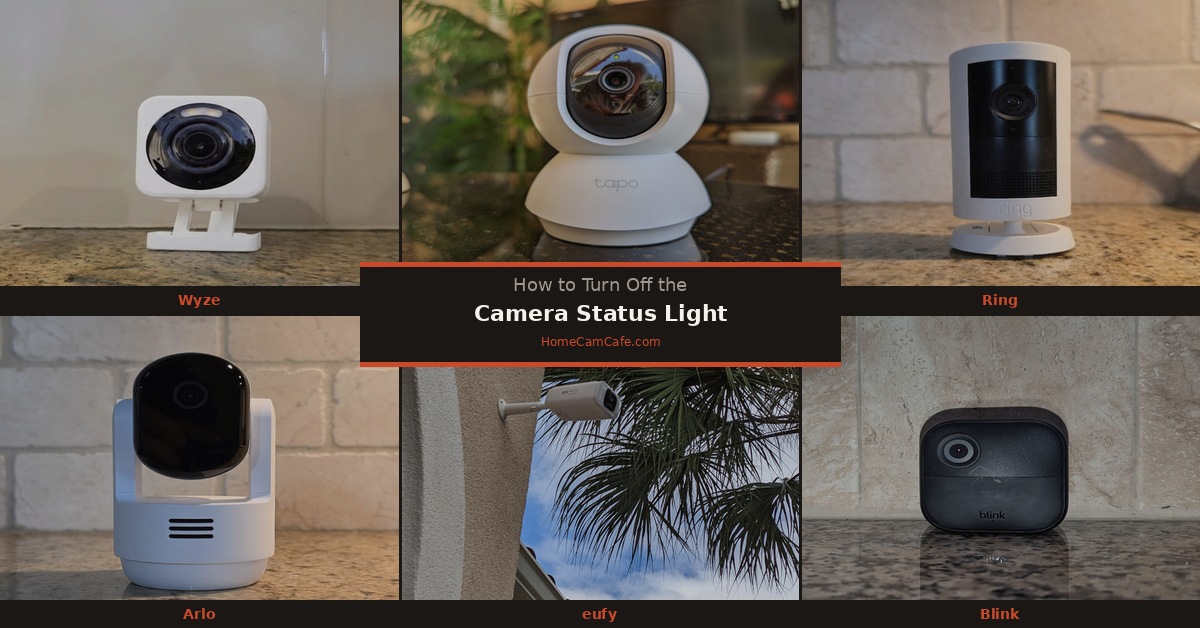
How to Turn Off the Status Light on Arlo Cameras
The steps apply to current Arlo models including the Arlo Pro 4, Pro 5S, Pro 6, Essential, and Essential Indoor Pan Tilt:
Step 1. Open the Arlo Secure app and tap Devices.
Step 2. Find the camera you want to adjust and tap the Settings gear icon next to it.
Step 3. Tap Device Settings.
Step 4. Tap Status Light.
Step 5. Toggle the status light off.
The change takes effect immediately. Motion detection, recording, and alerts continue to function normally with the light disabled.
Note: On some older Arlo models, the Status Light toggle may be located directly under Device Settings without a sub-menu. If you do not see it at the top level, scroll down — it is present on all current Arlo cameras.
What the LED Colors Mean on Arlo Cameras
- Solid blue — camera is connected and streaming or recording
- Slow blinking blue — camera is connected and on standby
- Fast blinking blue — camera is in setup mode
- Blinking amber — camera is not connected to the SmartHub or base station
- Solid amber — camera is charging (battery models)
As with all cameras, it is worth temporarily re-enabling the status light if the camera ever goes offline — the LED color is the fastest way to diagnose connection issues without opening the app.
Arlo Outdoor Camera Consideration
For outdoor Arlo cameras, the LED is visible from outside the home when the camera activates. Some owners prefer to leave the light enabled as a deterrent — a visible blinking camera is more likely to discourage a potential intruder than one that appears inactive. Others prefer the light off to avoid revealing the exact mounting position. Either approach is valid — the right choice depends on your specific installation and security goals.
Bottom Line
Open the Arlo Secure app, go to Devices, tap the Settings gear on your camera, tap Device Settings, then Status Light, and toggle it off. Works on all current Arlo camera models. The camera records and detects motion normally with the light disabled.
This guide is part of our Arlo Security Camera Reviews hub. See also: How to Turn Off the Status Light on Any Security Camera.
