
Want to turn off the eufy camera status light? That little LED can be distracting in a bedroom, nursery, or outdoor installation, especially at night. Fortunately, many eufy cameras allow you to disable the indicator in the eufy app without affecting recording, motion detection, or notifications.
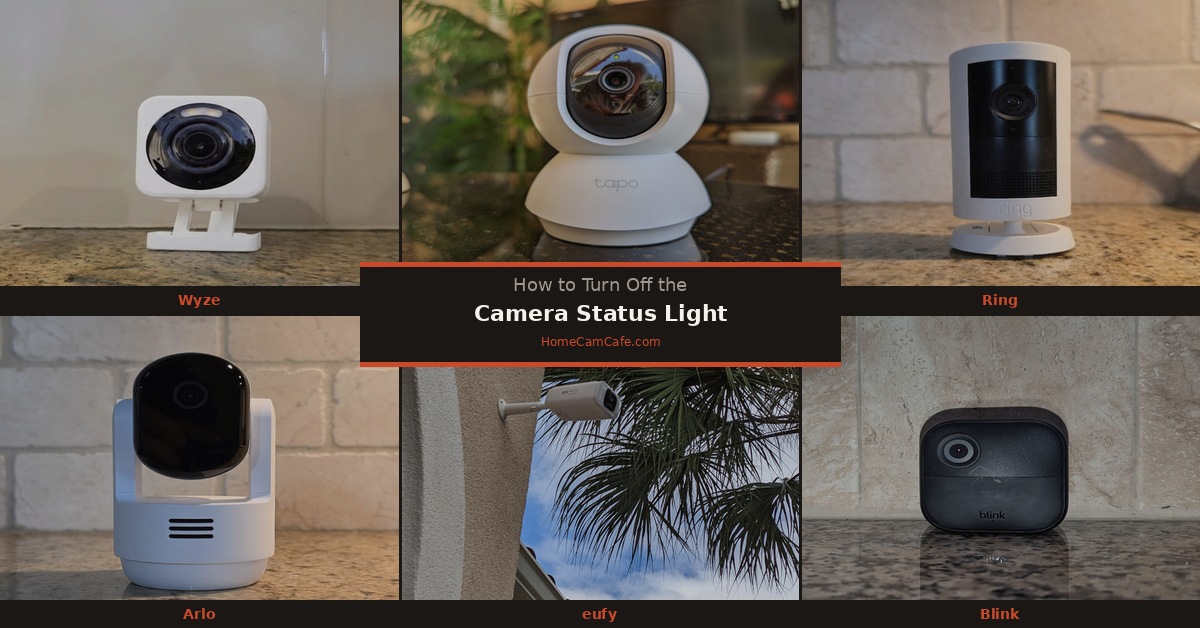
Before disabling the LED, make sure the camera is connected and working normally. If you’re seeing a blinking red, blue, or purple light and aren’t sure what it means, start with our Eufy Camera Light Meanings and Troubleshooting Guide. It covers the different LED colors, model-specific exceptions, and connection problems.
How to Turn Off the eufy Camera Status Light
On many eufy Indoor Cams, SoloCam models, and other compatible cameras, the status light can be controlled through device settings.
- Open the eufy app. Select the camera whose indicator you want to disable.
- Open Settings. Tap the gear icon associated with the camera.
- Find the LED option. Look for a setting labeled Indicator Light, Status LED, or a similar name.
- Turn the indicator off. Disable the setting and return to the live view.
- Confirm the camera still works. Test live view and verify your recording and alert settings.
On some models, the LED control appears under Device Settings, General Settings, or another submenu. The exact menu location depends on the model, firmware, and app version.
🟢 What stays working? On supported cameras, disabling the indicator doesn’t disable video recording, motion detection, live view, or notifications.
Turning Off the LED on Indoor and Outdoor eufy Cameras
eufy Indoor Cams
Many plug-in Indoor Cam models, including cameras in the E220 and C220 families, offer an indicator control in the device settings.
If your camera has a solid red LED during recording or a solid blue LED while idle, disabling the supported status indicator can reduce visible light without changing the camera’s monitoring functions.
Remember that some LED states also communicate connection problems or firmware activity. Don’t assume that every diagnostic light can be disabled.
eufy SoloCam and eufyCam Outdoor Models
Several battery-powered eufy cameras, including supported SoloCam and eufyCam models, provide status LED controls.
Look under the camera’s settings for Indicator Light or Status LED.
On outdoor battery cameras, the normal LED behavior may already be different from a plug-in Indoor Cam. Some turn off their indicator automatically during standby to conserve power.
Important: Not every eufy model offers an LED toggle. If the setting is missing, confirm whether your specific camera supports it rather than assuming there’s a problem with the app.
Why Is My eufy Status Light Still On?
If you’ve disabled the LED but the camera continues displaying a light, there are several possible explanations.
- Setup or pairing: The camera may still be attempting to connect.
- Connection warning: A blinking indicator may be reporting lost network connectivity.
- Firmware update: Certain models use alternating LED colors while updating.
- Charging indicator: Some battery cameras use a separate light for charging.
- Different LED control: Your model may distinguish between recording indicators and other system lights.
If the light remains on, confirm that the LED setting was saved and check whether the camera is reporting a connection problem, charging state, or firmware update. Some diagnostic indicators cannot be disabled through the normal status LED setting.
eufy Cameras Connected to Apple HomeKit
If your eufy camera is connected to Apple Home, the status LED setting may also be controlled through Apple’s Home app.
On supported HomeKit cameras, Eufy recommends setting the LED preference in both the eufy app and Apple Home.
Otherwise, restarting the camera can cause the Apple Home setting to take precedence over the preference previously selected in the eufy app.
If the indicator unexpectedly reappears after a restart, check both applications.
Status LED Off vs. Privacy Mode
Turning off the status LED and enabling Privacy Mode are two different things.
| Feature | What It Does |
|---|---|
| 🔵 Status LED Off | Hides the supported status indicator while normal camera monitoring continues. |
| 🔒 Privacy Mode | On supported cameras, suspends monitoring functions and may move the lens into a privacy position. |
If your goal is to eliminate a distracting LED, turn off the status indicator.
If your goal is to stop monitoring temporarily, use the camera’s supported privacy or camera-off function instead. Privacy Mode availability and behavior vary by model.
Don’t use a dark status light as proof that a camera isn’t recording. Disabling the indicator is not the same as disabling the camera.
Frequently Asked Questions
Can I turn off the eufy camera status light without disabling recording?
Yes, on supported models. The status LED control changes the indicator behavior without turning off the camera’s normal recording and detection functions.
Why is my eufy camera status light red?
On many Indoor Cams, solid red means recording or live streaming, while blinking red can indicate an internet connection problem. Battery-powered eufyCams and HomeBase devices use different LED meanings. See our Eufy Camera Light Meanings Guide for the full model-specific reference.
Why can’t I find the status LED setting?
The option may be located in a different device-settings menu, or your model may not support disabling the indicator. Check the camera’s settings and supported features.
Does turning off the status light disable night vision?
No. The status LED is separate from the infrared illumination or spotlights used for night vision. Disabling the status indicator doesn’t necessarily affect those lighting functions.
Can a eufy camera record with its indicator off?
Yes. On supported cameras, disabling the status LED doesn’t disable recording. If you want to stop monitoring, use the appropriate camera-off or privacy setting.
Final Thoughts
Turning off the eufy camera status light is usually a quick adjustment in the eufy app. Open your camera’s settings, find the Indicator Light or Status LED option, and disable it if your model supports the feature.
If the indicator remains illuminated, check whether it represents a charging state, setup activity, or another diagnostic function rather than the normal status LED.
For additional reviews and setup advice, visit our eufy Camera Reviews and Guides hub or our guide to turning off status lights on other security camera brands.
