
The blue status light on the front of every Wyze camera is useful during setup but distracting once the camera is installed — especially in bedrooms, nurseries, or anywhere a glowing LED is unwanted at night. Wyze lets you turn it off completely from the app in about 30 seconds. Here is exactly how to do it on every current model.
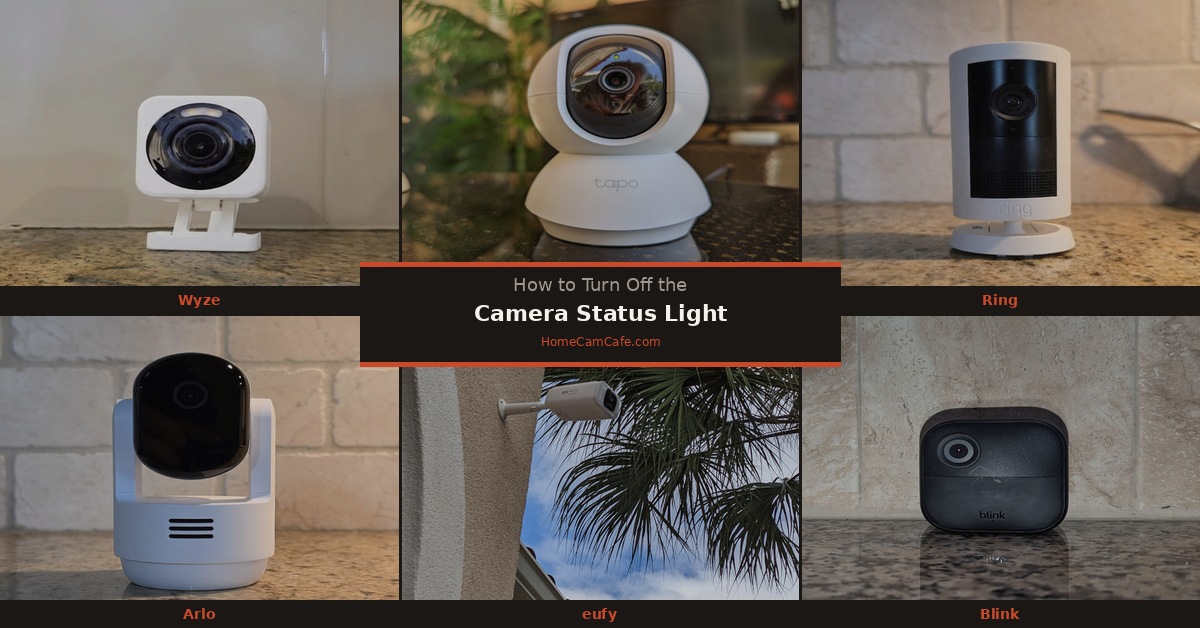
How to Turn Off the Status Light on Wyze Cam v3, v4, OG, and Pan Models
The steps are the same across all current Wyze cameras:
Step 1. Open the Wyze app and tap the camera you want to adjust.
Step 2. Tap the Settings gear icon in the top right corner of the live view screen.
Step 3. Tap Advanced Settings.
Step 4. Find the Status Light toggle and switch it off.
The light turns off immediately — no restart required. The camera continues to function normally with the light disabled. To turn it back on, follow the same steps and toggle it back on.
Note: Turning off the status light does not affect recording, motion detection, or any other camera function. It only disables the LED indicator on the front of the camera.
What the Status Light Colors Mean
Before turning it off permanently, it is worth knowing what each color indicates — useful for troubleshooting if the camera ever has connection issues:
- Solid blue — camera is connected and working normally
- Flashing blue — camera is trying to connect to Wi-Fi
- Solid red — camera is powered on but not connected to the internet
- Flashing yellow/red — camera is in setup mode, ready for initial configuration
- No light — camera has no power or is booting up
If the camera ever goes offline or behaves unexpectedly, re-enable the status light temporarily so you can diagnose the issue from the LED color before troubleshooting further.
Why People Turn It Off
The most common reason is bedroom or nursery use — a solid blue LED in a dark room is visible enough to disrupt sleep. The second most common reason is stealth placement, where a visible status light announces the camera’s presence to anyone in the room. Both are valid use cases and Wyze’s in-app toggle handles both cleanly.
Bottom Line
Open the Wyze app, go to Camera Settings, tap Advanced Settings, and toggle the Status Light off. Takes 30 seconds and works on every current Wyze camera model. The camera records and detects motion normally with the light disabled.
This guide is part of our Wyze Security Camera Reviews hub. See also: How to Turn Off the Status Light on Any Security Camera.
