
Tapo camera storage gives you three main choices: record to a microSD card in the camera, save video on a compatible Tapo H200 or H500 hub, or subscribe to Tapo Care for cloud storage. The right choice depends on where you want the recordings kept, how much history you need, and whether you would still have useful footage if someone stole the camera.
Our starting recommendation is local storage, with cloud coverage added where an off-site copy would be valuable. A subscription is not automatically the best choice, and buying the largest hub is not automatically necessary. There are useful reasons to choose each option, including combinations of local and cloud recording.
The practical difference: A camera card keeps recordings at the camera. A hub moves them to another device in your home. Cloud storage moves an uploaded copy off the property. Decide which problem you need to solve before buying hardware or paying for a plan.
Tapo Camera Storage Options Compared
| Feature | Camera microSD | H200 or H500 hub | Tapo Care |
|---|---|---|---|
| Storage purchase | Compatible memory card | Hub, plus suitable storage as needed | Paid cloud plan |
| Storage subscription | Not required | Not required for local recording | Monthly or annual |
| Where footage stays | Inside the camera | On a separate device at home | On Tapo’s cloud service |
| Camera stolen | Its card disappears too | Previously received recordings remain if the hub stays safe | Previously uploaded recordings remain available within the plan’s retention period |
| Continuous recording | Depends on the camera and recording mode | Camera compatibility and hub limits apply | Confirm the exact plan and supported camera mode |
| Our suggested use | An uncomplicated local recording setup | Keeping recordings separate from cameras | Keeping a copy away from the property |
Option 1: A microSD Card in the Camera
For a Tapo camera with a supported card slot, microSD is usually the first option worth considering. There is no separate recorder to place or additional storage subscription to maintain. This is particularly appealing when you are adding one camera rather than building a complete system.
Use the Tapo app to format the card, enable local recording and check the recording schedule. Select continuous or detection-based recording where the camera supports it, and enable loop recording so older footage can be replaced when the card fills. Do not assume that inserting a card means every hour of the day is being recorded.
Choose an endurance card and check the capacity limit
Our suggested starting point is 128GB, not because smaller cards cannot work, but because it provides more room before old recordings need to be overwritten. Consider 256GB or 512GB when you need a longer history and your exact camera supports that capacity.
TP-Link recommends endurance-rated media and at least Class 10, U1 or V10 performance for camera recording. A card designed for repeated video recording is a better fit than choosing a card solely because its packaging advertises a high transfer speed.
The SanDisk 128GB MAX Endurance microSD card is one suitable option to consider for a compatible camera. Buy from a reputable seller, format it in the camera and verify that recorded footage plays back before relying on it.
Capacity is model-specific. For example, the current Tapo C500 specification lists support up to 512GB. That does not establish the limit for every Tapo model or hardware revision. Our Tapo C500 review covers the camera itself, while our security camera microSD guide explains card selection in more detail.
Know what local recording protects against
An already configured Tapo camera can continue recording to its card without a router connection as long as the camera remains powered. Remote viewing and notifications, however, depend on network connectivity.
The physical weakness is easy to understand: steal the camera and you also steal its card. For an accessible front-door or driveway camera, consider whether you need another copy elsewhere. Even without theft, periodically check playback rather than discovering a failed card after an incident.
Option 2: A Tapo H200 or H500 Hub
A storage hub puts recordings on a separate device inside your home. That distinction matters. Someone removing an outdoor camera does not automatically remove footage already saved on the hub. However, this is still on-site storage, not an off-site backup. Place the hub somewhere less obvious than beside the front door.
Check your exact camera model, hardware version and firmware against TP-Link’s hub compatibility list before buying. A camera appearing in the Tapo app does not, by itself, prove that it can record to either hub.
Tapo H200: The smaller storage option
The Tapo H200 supports a microSD card up to 512GB, purchased separately. It is the smaller hub option and supports up to four compatible camera or doorbell slots, with up to four simultaneous continuous recordings. A supported dual-lens camera can consume two slots, so count recording channels rather than just camera housings when planning the system.
Tapo H500: Expandable storage
The Tapo H500 is the larger hub. It supports up to 16 compatible cameras or doorbells, includes 16GB of built-in eMMC storage with some reserved for the system, and accepts a compatible 2.5-inch SATA HDD or SSD with expansion advertised up to 16TB.
The expansion drive is not included. Even though the H500 can connect to as many as 16 cameras, only four cameras can use continuous recording at the same time.
Do not buy a conventional 3.5-inch surveillance drive or an M.2 NVMe SSD for the H500. It requires compatible 2.5-inch SATA storage. Storage duration depends on the drive capacity, camera settings, resolution and recording workload.
The H500 also supports compatible Tapo sensors and additional camera AI features. Its current specifications limit AI enhancement to four cameras simultaneously. Facial recognition availability also varies by location.
The H100 and H110 are not substitutes for the H200 or H500 when your goal is centralized camera video storage. Do not buy one simply because it costs less and carries the Tapo hub name.
Option 3: Tapo Care Cloud Storage
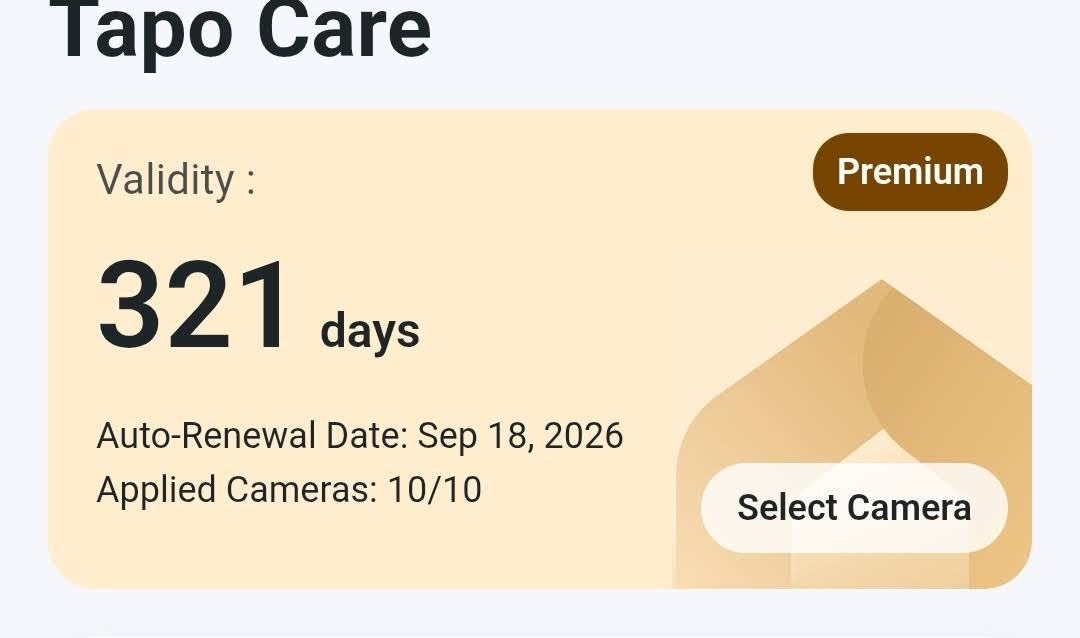
Tapo Care’s strongest storage advantage is location: an uploaded recording is no longer dependent on keeping the camera or hub safe. That makes cloud coverage worth considering for cameras overlooking entrances, garages and other places where someone could reach the hardware.
However, calling cloud video “theft-proof” promises too much. The camera must capture and upload useful footage first. An internet interruption, lost power or missed detection can leave a gap. Cloud storage is another layer of protection, not a guarantee that every incident will be recorded.
Current U.S. Tapo Care Plans
These were the plans displayed on the official U.S. Tapo Care page when we checked them.
| Plan | Monthly | Annual | Device Coverage | Published History |
|---|---|---|---|---|
| Cloud | $3.49* | $34.99* | Up to 2 listed* | 30 days |
| Cloud Advanced | $11.99 | $119.99 | Unlimited | Up to 180 days |
| Cloud Advanced AI | $19.99 | $199.99 | Unlimited | Up to 180 days |
*Billing caveat: Tapo’s current pricing presentation can be confusing about how many devices the entry-level Cloud plan covers. Confirm the total charge and camera coverage shown at checkout rather than assuming the advertised price covers two cameras.
Advanced plans advertise 24/7 video storage, but camera eligibility and recording history still depend on the camera and plan. Do not assume that 180 days means 180 days of uninterrupted video from every Tapo model.
Our Tapo Care plans guide covers the subscription choices in more detail. For this storage comparison, the important question is whether an off-site copy justifies the recurring expense.
Battery Cameras: 24/7 Capture Is Different
Some supported Tapo battery cameras offer 24/7 Capture. Instead of recording full-frame-rate video continuously, the camera can capture images at intervals when little is happening and switch to normal video when activity is detected.
This is not the same as conventional continuous recording from a wired camera. Tapo’s current implementation also relies on supported local storage, so buying a cloud plan should not automatically be treated as a replacement for local storage when you want to use 24/7 Capture.
Can You Combine Local Storage, Cloud and an NVR?
Local storage plus Tapo Care can be a useful combination: local footage for everyday playback and uploaded cloud video for incidents where equipment might disappear. There is no reason to treat those choices as mutually exclusive on a supported camera.
Compatible Tapo models can also send video to a PC, NAS or network video recorder using RTSP or ONVIF. Battery-powered models generally do not offer the same RTSP/ONVIF support, so check the exact camera before planning around an NVR.
Tapo currently limits how its recording destinations can be combined. In supported configurations, local storage, Tapo Care and NAS/NVR recording are not necessarily available simultaneously in every combination. If you plan to use an existing NVR, confirm the supported recording arrangement for the camera before buying additional storage hardware.
Which Tapo Storage Setup Should You Choose?
For one or two compatible cameras: Start with endurance microSD cards unless the camera’s location makes losing its recordings an unacceptable risk. There is no need to buy a hub merely to make a small installation feel more complete.
For keeping recordings away from the cameras: Compare the H200 and H500 based on your actual compatibility, capacity and recording needs. Even one exposed camera could justify separate hub storage. On the other hand, owning several cameras does not automatically mean you need the H500.
For important entrances: Consider local recording plus cloud coverage. The local copy and off-site copy solve different problems. You may decide that only your most exposed cameras need the additional cloud expense.
For a large continuous-recording installation: Pay close attention to simultaneous recording limits. The H500 can connect to many cameras, but it should not be mistaken for a conventional 16-channel NVR capable of continuously recording all 16 cameras at once.
Our Take on Tapo Camera Storage
Start with the recording problem you need to solve. We favor microSD for a simple local setup, a compatible hub when recordings should be stored away from the camera, and Tapo Care when an off-site copy adds useful protection.
The best setup may use two storage methods. There is no universal winner, and there is no reason to pay for capacity or cloud features your cameras cannot use.
Still choosing a camera? Our Tapo C120 review and Tapo C260 review cover two different options to consider alongside the storage decision.
HOMECAMCAFE TAPO GUIDE
Explore our Tapo camera reviews and guides for more help choosing cameras, understanding subscriptions and planning your setup.
