
Choosing security cameras for apartments comes with a different set of rules than shopping for a single-family house. Drilling into a fire-rated door frame or exterior siding is rarely an option, a lease can end an installation the day you move out, and a landlord or HOA may restrict exterior hardware facing shared hallways. Consequently, this guide is built entirely around cameras for apartments and non-destructive mounts that respect those boundaries, organized by where in a rental unit they go: the front door, an interior window, a main living room, and a private balcony or patio if your lease permits it. Every primary camera below has been personally tested here at HomeCamCafe, with one clearly labeled all-in-one window alternative noted where it appears, so our recommendations reflect real setup time, real low-light image quality, and day-to-day reliability rather than spec sheets.
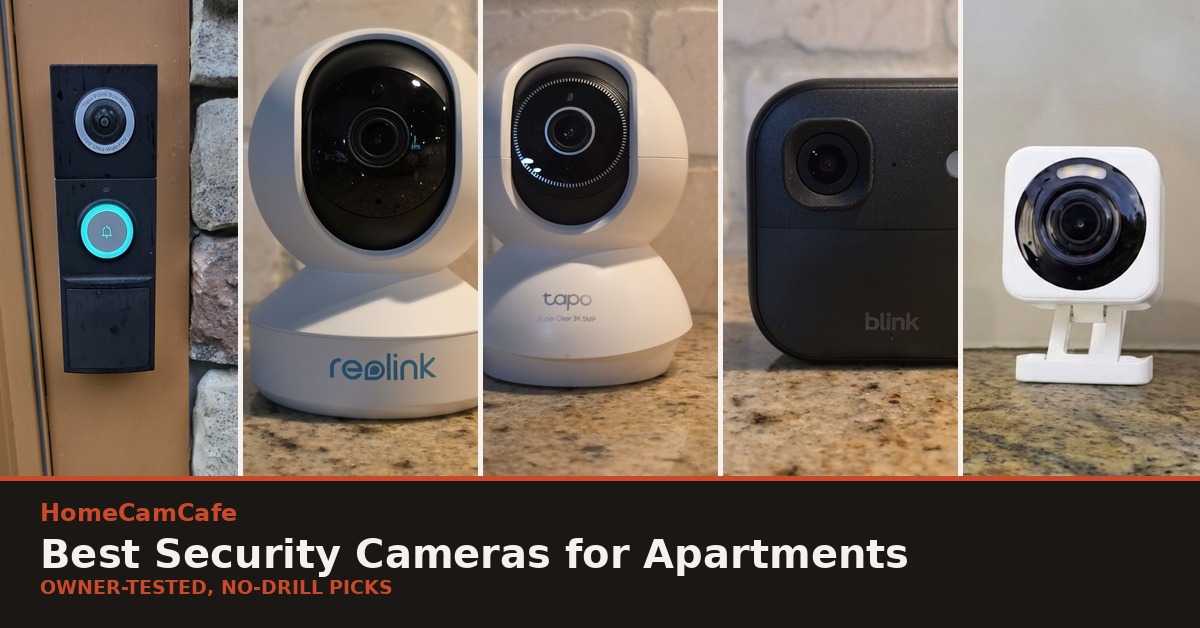
Quick Answer: For an apartment front door, the TP-Link Tapo D225 is our top pick, pairing 2K 180-degree head-to-toe video and an included indoor chime with free AI alerts and free microSD storage. To monitor a parking spot or walkway through glass without touching the exterior, pair our tested Wyze Cam v4 with the adhesive Wyze Window Mount. For indoor room coverage, pick the Tapo C230 for 3K tabletop flexibility or the Reolink E1 Pro for dual-band 5GHz Wi-Fi and superior low-light optics.
Best Security Cameras for Apartments Comparison
Before diving into the individual mounting rules and hands-on notes for each location, here is how our top tested apartment camera picks compare across placement, resolution, Wi-Fi band support, and local storage:
| Apartment Location | Top Pick | Resolution & View | Wi-Fi Band | Free Local Storage | Why It Fits Renters |
|---|---|---|---|---|---|
| Front Door (Best Overall) | Tapo D225 | 2K 4MP QHD (180° DFOV) | 2.4GHz | Yes (microSD up to 512GB) | Head-to-toe view, chime included, free AI alerts, no monthly fee |
| Front Door (Card Included) | eufy Video Doorbell C30 | 2K FHD (16:9 Wide View) | 2.4GHz | Yes (32GB card included, up to 128GB) | Fast pop-up video call alerts, 5,000mAh battery, zero monthly cost |
| Front Door (Alexa Budget) | Blink Doorbell (2nd Gen) | 1440 x 1440 HD (150° FOV) | 2.4GHz | Requires Sync Module 2/XR | Up to 2-year AA battery life, square head-to-toe framing |
| Interior Window | Wyze Cam v4 + Window Mount | 2.5K QHD (120° DFOV) | 2.4GHz (Wi-Fi 6) | Yes (microSD up to 512GB) | Flush glass mount blocks glare, Starlight color night vision |
| Indoor (Tabletop / Pet) | Tapo C230 | 3K 5MP (360° Pan/Tilt) | 2.4GHz | Yes (microSD up to 512GB) | Lightweight shelf base, free person, pet, and baby-cry AI |
| Indoor (Low Light / 5GHz) | Reolink E1 Pro | 5MP QHD (355° Pan/Tilt) | 2.4GHz & 5GHz + Ethernet | Yes (microSD up to 512GB) | Bright F1.6 lens, 5GHz Wi-Fi and RJ45 port beat apartment interference |
| Exterior Balcony (Battery) | Blink Outdoor 2K+ | 2K QHD (135° DFOV) | 2.4GHz | Requires Sync Module 2/XR | Up to 2-year battery life on 2 AA lithiums, fits no-drill clips |
| Exterior (Ring Ecosystem) | Ring Outdoor Cam Plus | Retinal 2K (160° DFOV) | 2.4GHz & 5GHz | None (Cloud plan required) | Four power options, wide 160° view, Low-Light Sight color video |
What Makes Security Cameras for Apartments Different
Three practical constraints define the shopping list for security cameras for apartments, and they rule out a lot of otherwise capable hardware designed for homeowners. First, no drilling: your security deposit is on the line, and drilling into a fire-rated apartment entry door or exterior brick facade is almost always a lease violation. Mounting has to rely on inward-swinging door clamps, removable adhesive, magnetic bases, or tabletop stands instead of wood screws. Second, portability: a camera worth buying should come off cleanly in five minutes and move with you to your next address. Third, lease and privacy compliance: an exterior camera facing a shared indoor hallway, common stairwell, or a neighbor’s front door across a narrow corridor can violate building rules even when the camera itself is legal to own.
A fourth constraint matters just as much in multi-unit buildings, even though renters often overlook it until setup day: Wi-Fi congestion and wall materials. Older apartment buildings constructed with plaster-and-lath walls, concrete block, or steel framing weaken wireless signals far more aggressively than modern wood-stud drywall. At the same time, an apartment router has to compete with twenty or thirty neighboring Wi-Fi networks broadcasting on the same channels. Standard 2.4GHz Wi-Fi penetrates thick walls and metal doors better over distance, while dual-band 5GHz Wi-Fi (supported on our Reolink E1 Pro and Ring Outdoor Cam Plus picks) helps indoor and balcony cameras avoid crowded 2.4GHz channels when placed closer to your router.
Best for the Door: Video Doorbells That Require Zero Drilling
A doorbell camera for apartment entryways is usually the single highest-impact camera a renter can install, since it covers the main entry point where packages are dropped and visitors knock. Paired with an inward-swinging door clamp bracket or heavy-duty removable VHB mounting tape, none of these three require putting a screw hole in the door or frame, and all three took under fifteen minutes to physically install during our testing once the bracket was in place, prior to app onboarding and Wi-Fi pairing.
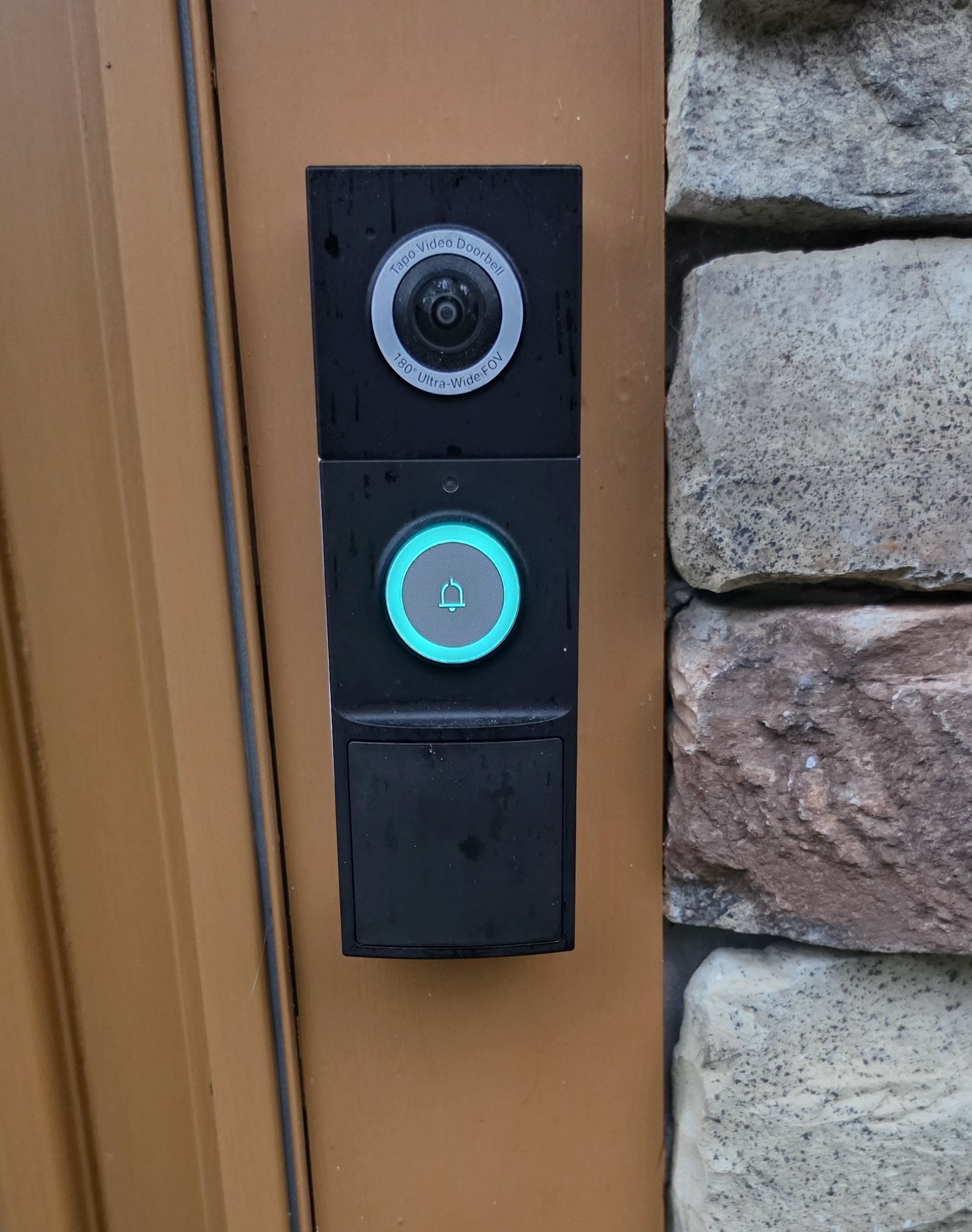
1. TP-Link Tapo D225: Best Apartment Doorbell Camera Overall
The Tapo D225 is the most feature-complete apartment doorbell among the three in our hands-on testing. It combines crisp 2K 4MP QHD resolution (2560 x 1440) with a wide 180-degree diagonal field of view (170.6 degrees horizontal by 140.1 degrees vertical) that captures visitors from head to toe as well as packages sitting flat against the threshold. Unlike competitors that lock smart alerts behind a paywall, TP-Link includes person, pet, vehicle, and package detection free of charge, alongside local recording to a user-supplied microSD card up to 512GB with no monthly fee required. It also includes a plug-in indoor chime in the box and runs on either its built-in 10,000mAh rechargeable battery or existing low-voltage doorbell wiring.
Check the Tapo D225 on Amazon →
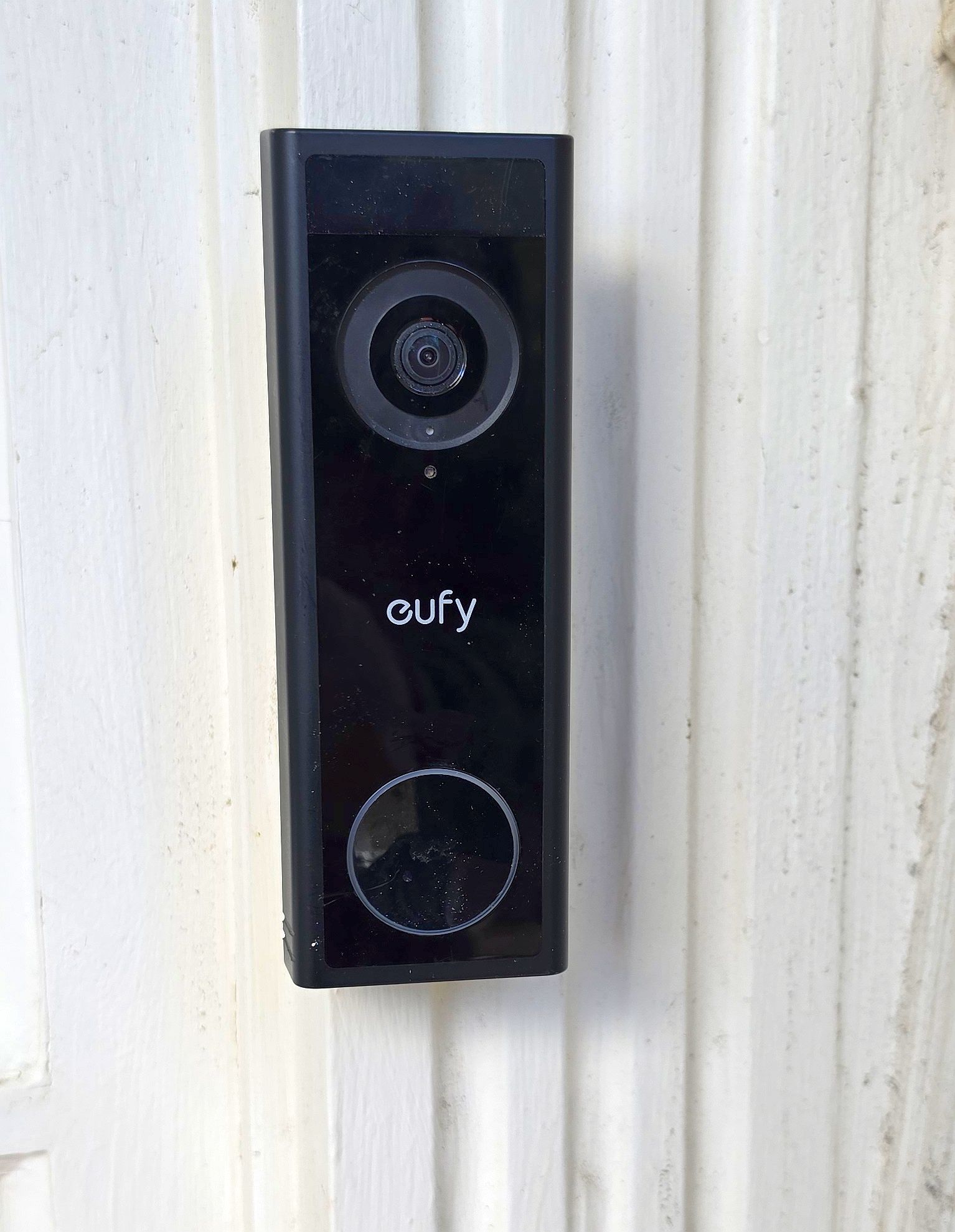
2. eufy Video Doorbell C30: Best Ready-Out-of-the-Box Local Storage Pick
The eufy Video Doorbell C30 is a 2K battery-powered doorbell (2560 x 1440) powered by an internal 5,000mAh rechargeable battery with a 16:9 expanded view and a 32GB microSD card included right in the box (expandable up to 128GB) with no subscription required. In our testing, it excels at real-time pop-up video calls to your phone when someone presses the button, making it feel like an interactive intercom at your apartment door even without a plug-in chime (which eufy sells separately, though you can pair an Echo Show or Google display as your indoor chime). The main limitation we observed is clip playback speed: retrieving recorded clips over Wi-Fi directly from the onboard microSD card is noticeably slower unless you pair the doorbell with a eufy HomeBase S380. For a renter whose primary goal is seeing who is at the door right now without paying a monthly fee, that trade-off is easy to live with.
Check the eufy Video Doorbell C30 on Amazon →
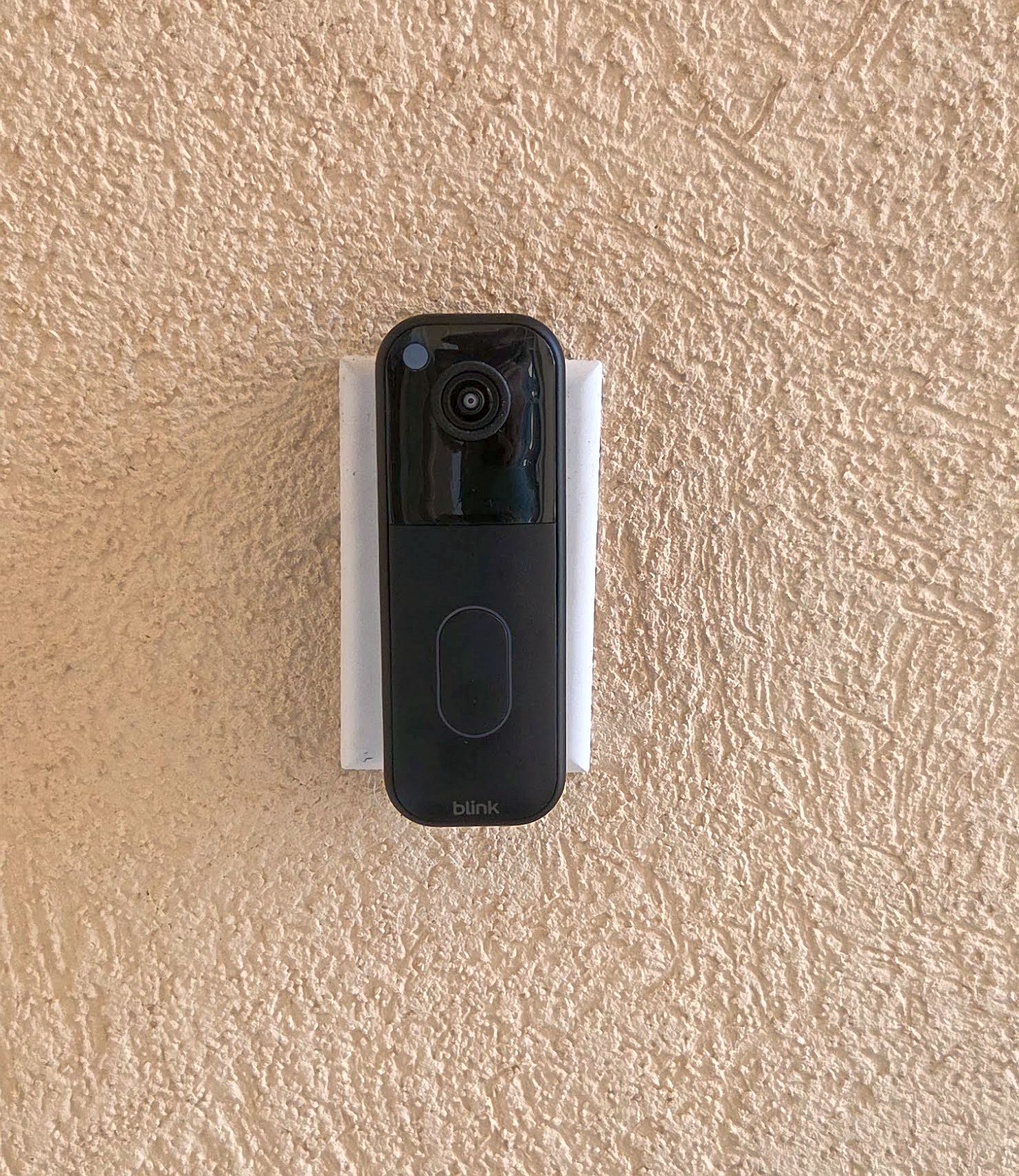
3. Blink Video Doorbell (2nd Gen): Best Battery Life for Alexa Apartments
The Blink Video Doorbell (2nd Gen) is our value pick for Alexa households, upgrading the original generation to a 1440 x 1440 square head-to-toe view, a 150-degree field of view, and up to two years of battery life on three AA lithium batteries when paired with its included Sync Module Core. Just keep two critical details in mind before buying: person detection requires a Blink subscription, and the bundled Sync Module Core has no USB or microSD port for local storage. If you want subscription-free local clip recording on the 2nd Gen Blink Doorbell, you must pair it with a separately purchased Blink Sync Module 2 (with a USB flash drive) or Sync Module XR (with a microSD card).
Check the Blink Video Doorbell (2nd Gen) on Amazon →
How to Mount an Apartment Doorbell Without Drilling (Plus the Peephole Alternative)
None of these doorbells should be mounted with wood screws on a rental door. Instead, renters have two damage-free hardware paths depending on how the apartment door is built:
- Inward-Swinging Anti-Theft Door Clamps: Clamp-style anti-theft brackets slide over the edge of your apartment door and tighten with a thumb screw on the interior side, locking the doorbell in a metal cage that cannot be removed while the door is closed. Before ordering any clamp mount, check three measurements: your door must swing inward (not outward into the hallway), door thickness must sit between 0.6 inches and 2.3 inches, and you need at least a 0.06-inch gap between the door edge and frame. Also verify exact doorbell generation sizing: the classic KIMILAR Anti-Theft Doorbell Mount (max housing size 2.55 inches wide by 5.11 inches high by 1.14 inches deep) fits the 1st Gen Blink Video Doorbell and Ring Battery Doorbells, whereas the thicker 3-battery Blink Video Doorbell (2nd Gen), Tapo D225 (1.52 inches deep), and eufy C30 (1.24 inches deep) require either a 2nd-Gen-specific / universal deep cage or the 3M VHB adhesive mounting pad included in the Tapo D225 box on a smooth door surface.
- Peephole Replacement Cameras: If your building bans external door clamps in shared interior hallways, a peephole camera replaces the existing optical viewer through the factory hole in the door with zero drilling. Ring’s updated Retinal 2K peephole model fits standard 12mm to 14mm peephole bores on doors 1.28 to 2.36 inches thick and installs in minutes, provided you save the landlord’s original brass peephole in a drawer to swap back in before move-out.
Check the KIMILAR Anti-Theft Doorbell Mount on Amazon →
Best for Windows: Monitoring Outside With Zero Exterior Hardware
For a ground-floor or second-story apartment overlooking a parking lot, courtyard, porch, or street, mounting an indoor camera against the inside of a window pane is the most landlord-proof setup available. Nothing sits outside in the weather, no battery ever needs to be climbed up to and swapped, and the landlord has zero exterior hardware to object to.
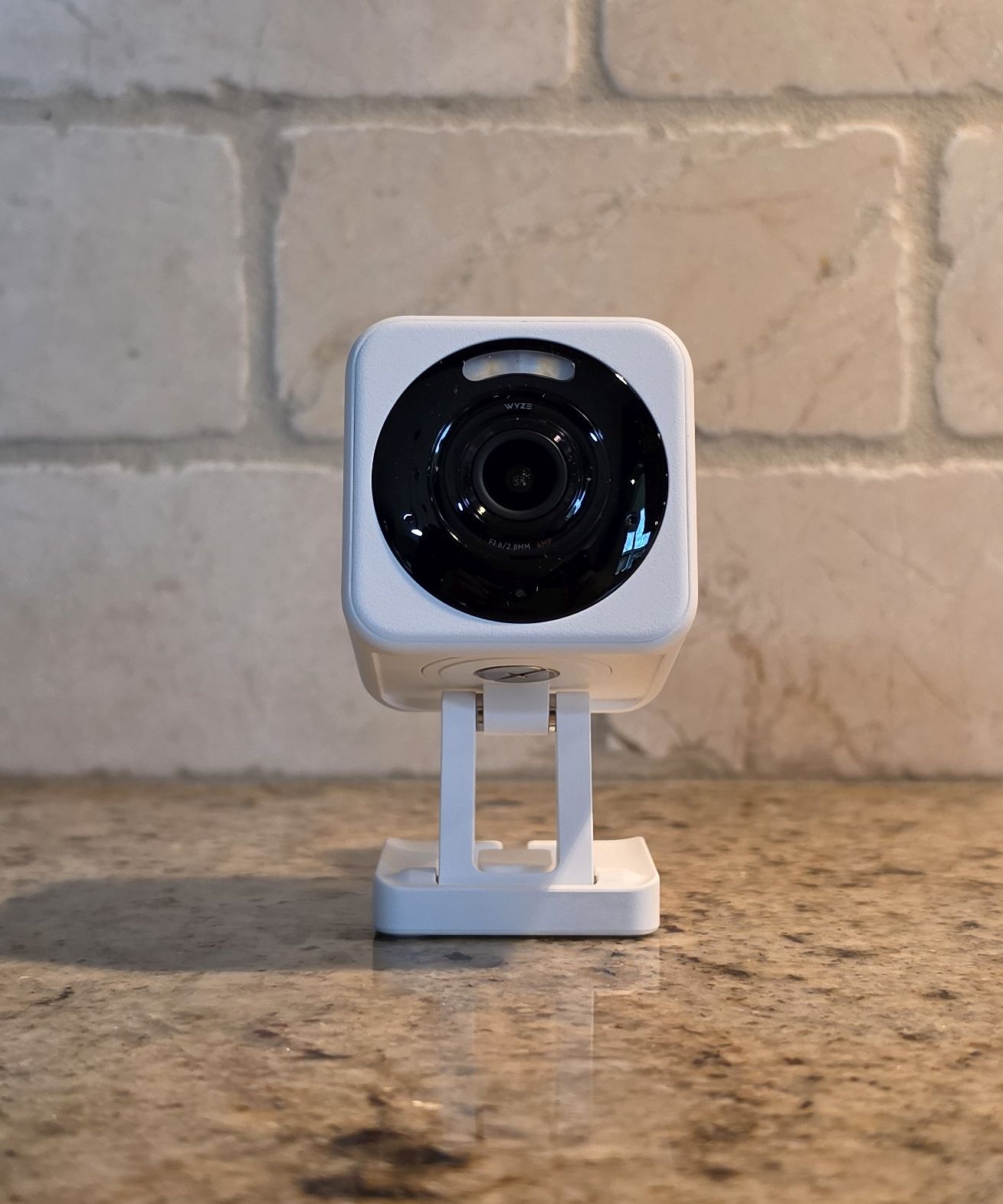
Our top recommendation here is the Wyze Cam v4, a camera we own and have tested extensively, paired with the adhesive Wyze Window Mount. The rubberized sleeve holds the v4 lens flush against the interior glass so room reflections cannot leak in from the sides, while the camera records 2.5K QHD video continuously to a microSD card up to 512GB with no monthly fee.
Important Window Setup Rule: Even with a flush window mount, you must set Night Vision Mode to Off and disable the status light and motion spotlight inside the Wyze app settings when shooting through glass. Leaving the 850nm infrared LEDs or the LED spotlight enabled will bounce light directly off the window pane back into the lens and wash out your nighttime video. Instead, rely on the Wyze Cam v4’s Color Night Vision Starlight sensor and ambient outdoor street or porch lighting.
Two additional window details are worth planning around before you peel the adhesive backing. First, a standard mesh insect screen sitting between the glass and the street will noticeably soften daytime detail and scatter ambient light at night, so mount the camera on the upper sash of a half-screen window or pop the screen out and store it in a closet. Second, while we have not personally tested the purpose-built 1080p Wyze Window Cam on our bench, it bundles that same flush-mount concept with an f/1.0 aperture and auto-disabled status LED for renters who want a single-box 1080p solution. Alternatively, if your apartment has steel window casings or a metal radiator sill, the Tapo C120 snaps directly onto any ferromagnetic surface via its built-in magnetic base with zero tape required.
Check the Wyze Cam v4 on Amazon →
Check the Wyze Window Mount on Amazon →
Best Indoor Coverage: Tapo C230 vs. Reolink E1 Pro
For monitoring your main living area, front entry foyer from the inside, or a pet while you are at work, a motorized pan-and-tilt camera resting on a bookshelf or kitchen counter covers the entire room without putting a single hole in the drywall. Both of these owner-tested 5MP cameras record locally to a microSD card up to 512GB with no subscription required, and choosing between them comes down to your apartment’s Wi-Fi environment and lighting.
1. TP-Link Tapo C230: Best for Tabletop Flexibility and Free AI Alerts
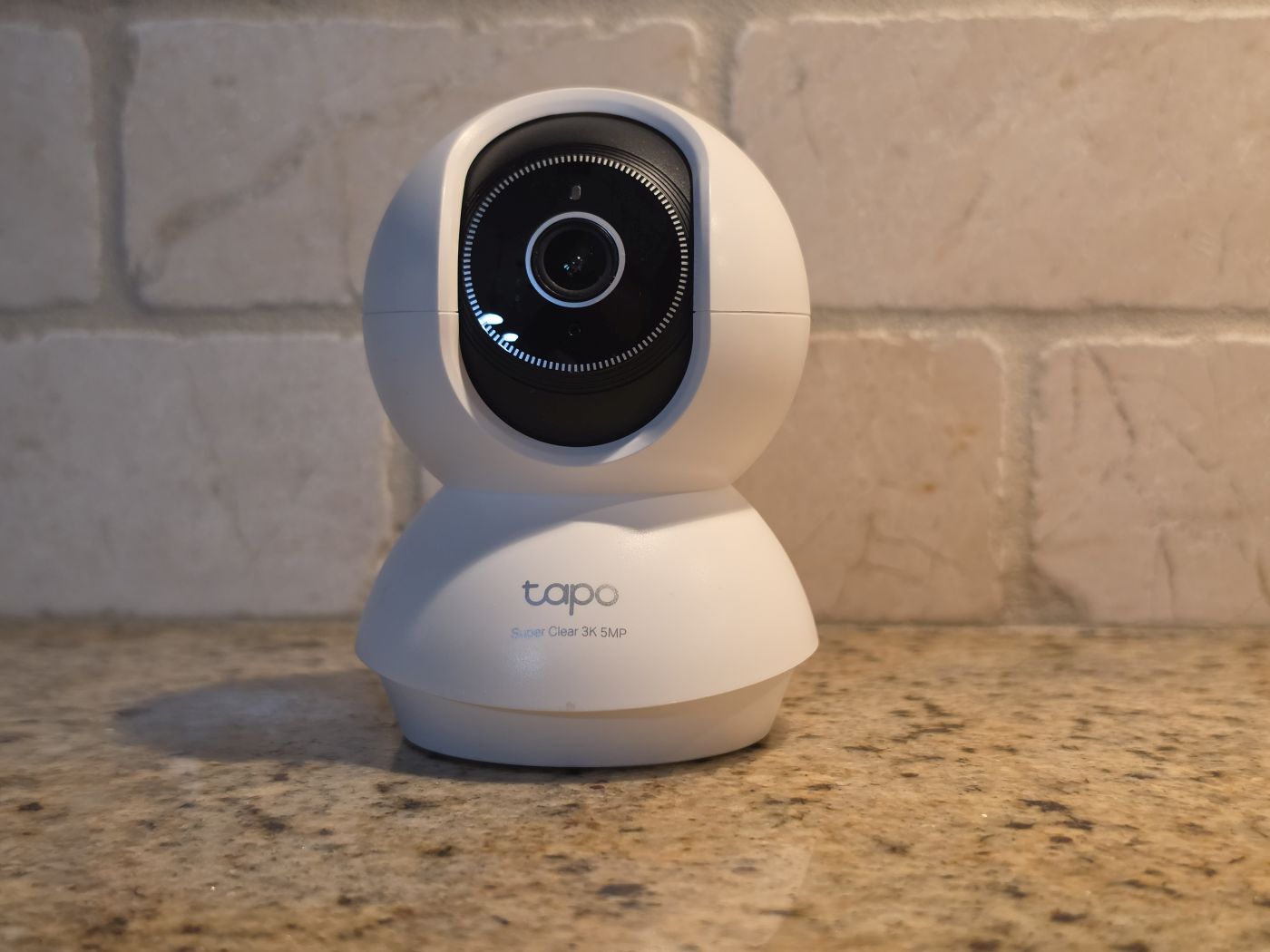
The Tapo C230 is our top indoor pick for most apartment renters. Its compact footprint sits steadily on a media console, bookshelf, or refrigerator top, making it simple to unplug and move between rooms whenever your layout changes. It upgrades TP-Link’s popular 2K C210 platform to 3K 5MP resolution with 360-degree horizontal pan coverage and includes free on-device AI detection for people, pets, vehicles, and baby cries without a monthly fee. You can also compare how it stacks up against the rest of our tested indoor lineup in our best indoor security cameras guide.
Check the Tapo C230 on Amazon →
2. Reolink E1 Pro: Best for Low-Light Clarity and Crowded Apartment Wi-Fi
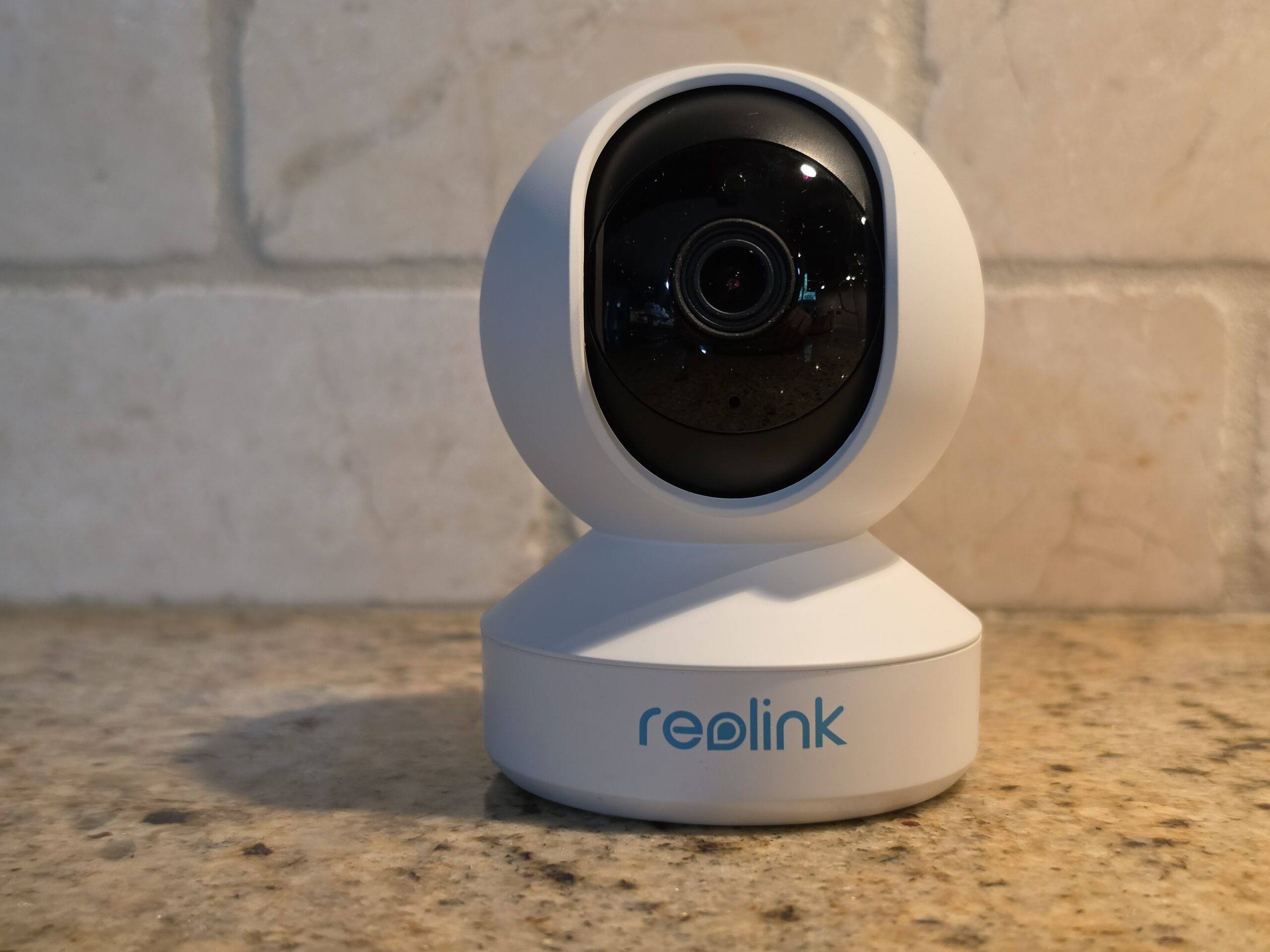
In contrast, the Reolink E1 Pro is the stronger indoor pick when low-light detail and network stability matter most. Its wide F1.6 lens aperture gathers noticeably more ambient light than typical F2.0 indoor cameras, keeping dim evening footage cleaner before infrared kicks in. Even more important for apartment dwellers, the E1 Pro supports both 2.4GHz and 5GHz dual-band Wi-Fi and includes a physical RJ45 Ethernet port on the back. If your building’s 2.4GHz band is bogged down by dozens of neighboring apartments, putting the E1 Pro on 5GHz Wi-Fi or plugging it directly into your router eliminates wireless dropouts completely.
Check the Reolink E1 Pro on Amazon →
Best for the Exterior, If Your Lease Allows It
Before mounting any camera on a balcony railing, patio post, or exterior trim, review your lease agreement. Many property managers allow a wire-free battery camera on an exclusive-use balcony or ground-floor patio provided no holes are drilled into the building envelope and the lens does not point into a neighbor’s unit or a shared pool area.
1. Blink Outdoor 2K+: Best Wire-Free Balcony & Patio Camera
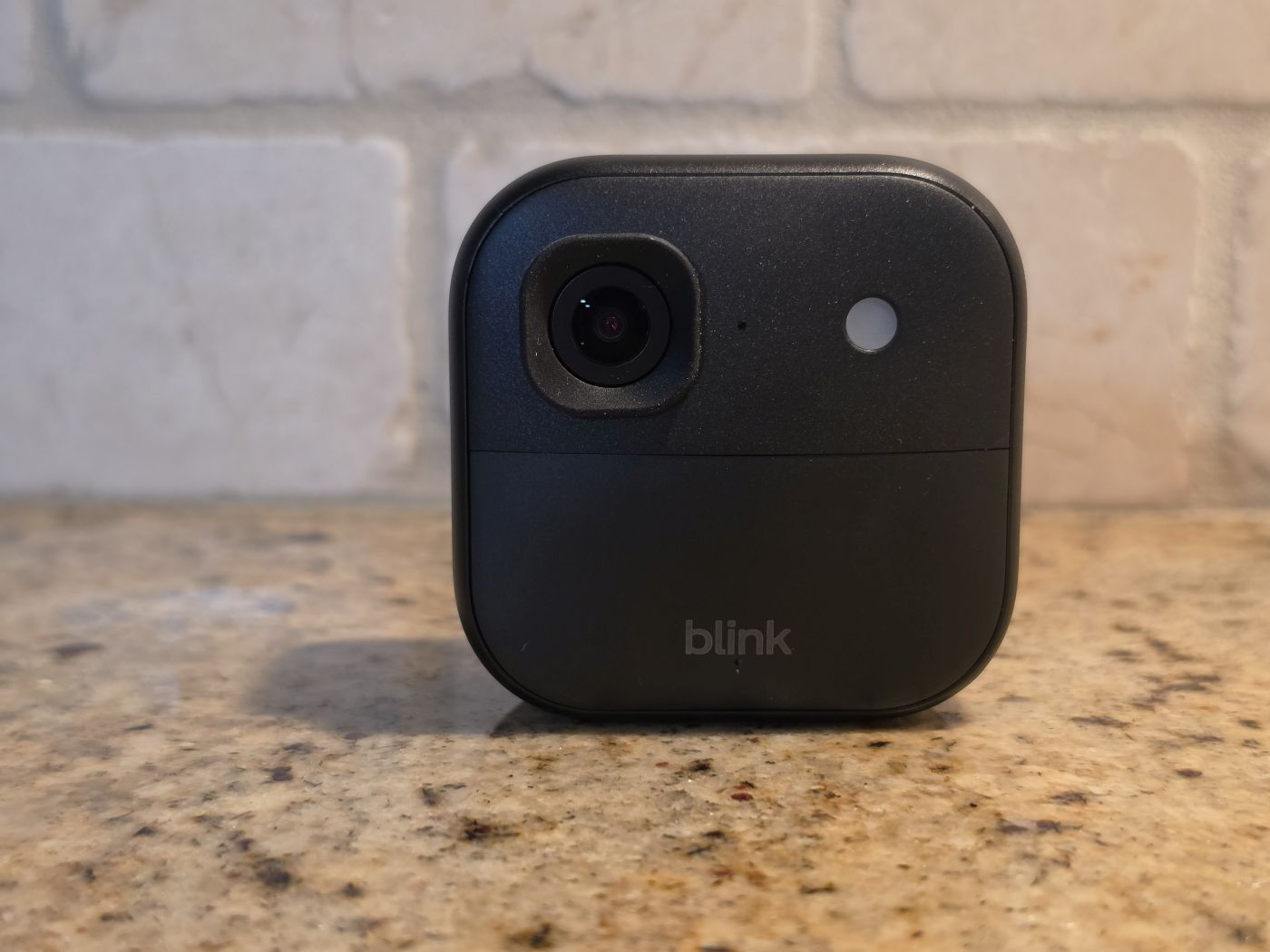
When exterior placement is permitted, our lead battery pick is the Blink Outdoor 2K+. In our hands-on testing, it delivered a clear step up in 2560 x 1440 daytime detail and two-way audio noise cancellation over the older 1080p Outdoor 4, while retaining Blink’s signature two-year battery rating on two standard AA lithium batteries. Because it shares the compact cube footprint and snap-in backplate of the Outdoor 4, it pairs directly with no-drill vinyl siding hooks, balcony railing straps, and gutter clips so you never have to touch a drill. Just note the storage change on this model: the standard 1-camera kit bundles the Sync Module Core, which does not have a USB port for local storage, so saving clips requires either a Blink cloud plan or pairing the camera with an existing Sync Module 2 or Sync Module XR.
Check the Blink Outdoor 2K+ on Amazon →
2. Ring Outdoor Cam Plus: Best for Existing Ring Subscribers
Alternatively, the Ring Outdoor Cam Plus is the stronger exterior option if you already use a Ring doorbell or Ring Alarm system. It captures Retinal 2K video across a wide 160-degree diagonal field of view, uses Ring’s Low-Light Sight processing to render color night video in dim courtyard lighting without a blinding floodlight, and supports both 2.4GHz and 5GHz Wi-Fi alongside four power configurations (battery, plug-in, solar, and PoE). Its versatile mount sits flat on a balcony table or straps cleanly to a vertical post.
The trade-off to weigh upfront is mandatory subscription dependency: Ring offers no microSD slot or local hub storage on this camera. Without an active Ring Home plan, the Outdoor Cam Plus provides live view and basic motion notifications only, with zero recorded video history and no person or package alerts. Choose it deliberately if you already pay for a multi-camera Ring plan rather than starting from scratch.
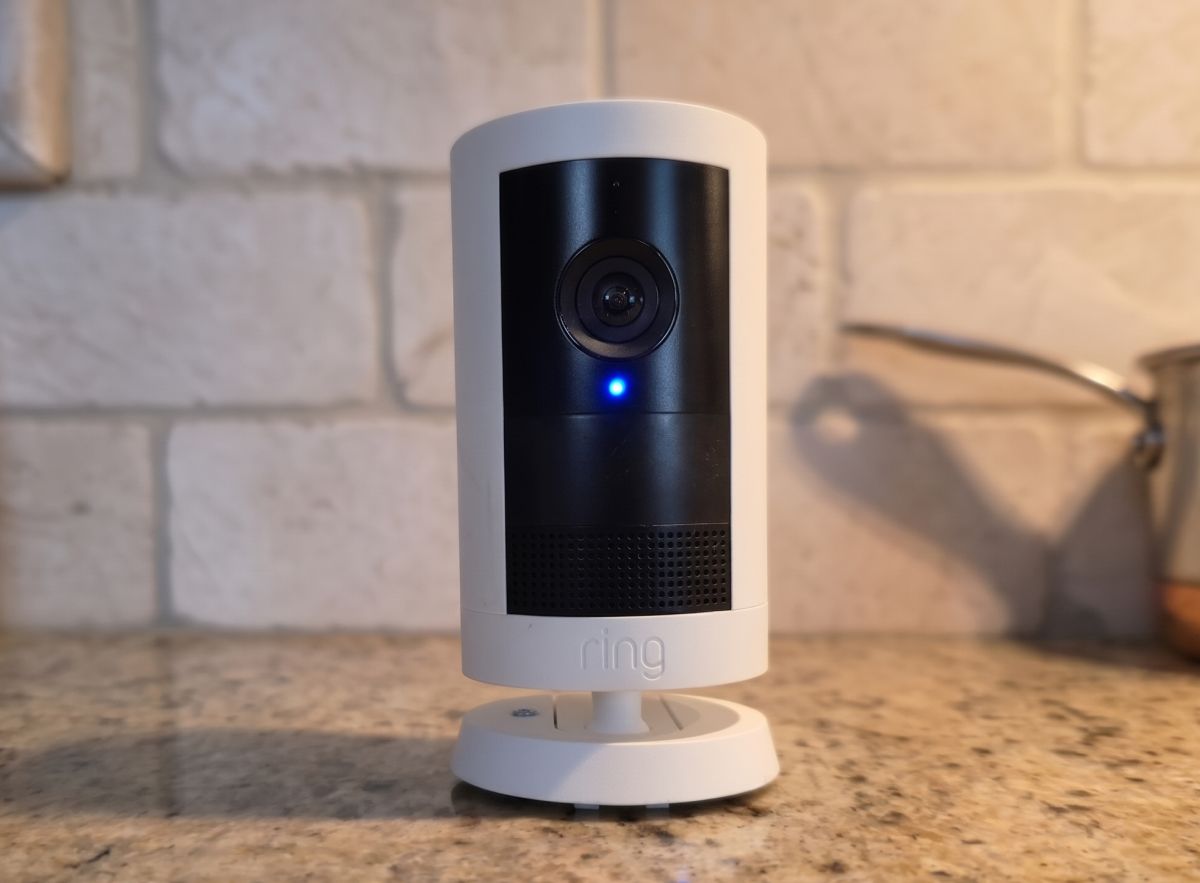
Check the Ring Outdoor Cam Plus on Amazon →
One final balcony detail worth checking before you commit to a mounting spot: exterior masonry, brick, and insulated sliding-glass doors attenuate Wi-Fi signals sharply. Open the camera’s live feed and signal-strength meter while holding the camera at your exact balcony mounting spot before strapping it down, since a weak link through an exterior wall will cause delayed notifications and missed motion clips.
Storage and Subscriptions: Avoiding Monthly Fees in a Rental
Recurring costs hit differently when you are already budgeting for rent, utilities, and security deposits, which is why we prioritize cameras that work fully out of the box without a monthly bill. In our best security cameras with no subscription guide, the standout rule is simple: verify that both local clip storage and on-device AI person detection work without a cloud plan.
- 100% Free Local Storage & Free AI Detection: The Tapo D225, eufy Video Doorbell C30 (which includes a 32GB microSD card in the box), Tapo C230, and Reolink E1 Pro all record directly to an onboard microSD card and run person detection (plus pet and vehicle detection on the Tapo models) on the camera itself with zero monthly fees.
- Free 24/7 MicroSD Recording With Basic Person AI: The Wyze Cam v4 records continuous 24/7 video or motion events to a microSD card for free and includes basic person alerts, while optional Cam Plus unlocks cloud history and package/pet filtering.
- Hub or Subscription Required for Video History: Both the Blink Video Doorbell (2nd Gen) and Blink Outdoor 2K+ ship with the Sync Module Core, which lacks a local storage port. To save clips on either model, you must either subscribe to a Blink cloud plan (which also unlocks person detection) or connect the camera to a separately purchased Sync Module 2 or Sync Module XR. Meanwhile, the Ring Outdoor Cam Plus requires a paid Ring Home subscription for any recorded video history.
Frequently Asked Questions
Do I need my landlord’s permission for an indoor security camera?
In almost all residential leases, no. You have the right to place plug-in or battery cameras inside the private interior rooms of your own unit as long as you do not drill into walls or modify electrical wiring. Exterior cameras, doorbells in shared interior corridors, and any lens pointing into common areas are the placements where you should check your lease and local state recording laws first.
Will a no-drill mount damage my apartment door or wall at move-out?
An inward-swinging metal door clamp with foam backing leaves zero marks on painted wood or metal entry doors because it uses mechanical tension rather than glue. For window mounts and adhesive pads, warm the adhesive strip gently with a hairdryer for thirty seconds before peeling it off slowly at a shallow angle, and avoid sticking heavy adhesive pads onto flaky plaster or unpainted drywall.
Can I take these apartment security cameras with me when I move?
Yes, portability is the core advantage of building a rental security setup this way. Every camera and mount on this list detaches in minutes without patching holes, and joining a new Wi-Fi network at your next apartment takes only a quick reset in the companion app.
For a closer look at shooting through glass without nighttime reflections, read our Wyze Window Cam vs. Window Mount comparison. For the full individual reviews of every camera mentioned here, follow the links above, and for more buying guides organized by use case, visit our buying guides hub. For mounts, cables, and other installation gear, see our security camera accessories hub.