
Choosing security cameras for apartments comes with a different set of rules than shopping for a house. Drilling into a door frame or siding usually is not an option, a lease can end that installation the day you move out, and a landlord may not allow an exterior camera at all. Therefore, this list is built entirely around cameras and mounts that respect those constraints, organized by where in an apartment they actually go: the door, a window, an indoor room, and the exterior if your lease permits it.
Every camera below has been personally tested here at HomeCamCafe, with one clearly labeled exception noted where it appears. As a result, this is not a list assembled from spec sheets. It reflects real setup time, real image quality, and real day-to-day use.
What Makes Cameras for Apartments Different
Three constraints define the shopping list for cameras for apartments, and they rule out a lot of otherwise-good hardware. First, no drilling: a security deposit is on the line, so mounting has to rely on adhesive, tension, or clip-based hardware instead of screws into a door or wall. Second, portability: a camera worth buying should come off cleanly and move with you to the next place. Third, permission: an exterior camera facing common areas, shared hallways, or a neighbor’s window can violate a lease even when the camera itself is perfectly legal to own. Keep that lease in mind, particularly for the exterior section further down.
A fourth constraint matters too, even though it is easy to overlook until it causes a problem: Wi-Fi range in older apartment buildings. Older construction, especially anything with plaster and lath walls or a lot of steel in the framing, can weaken a signal much more than drywall does in newer housing. As a result, every camera on this list uses standard 2.4GHz Wi-Fi rather than a higher-frequency band, since 2.4GHz travels through walls more reliably even if it tops out at a lower maximum speed. If a unit sits several rooms or floors away from the router, a Wi-Fi extender is worth budgeting for before assuming a camera itself is defective.
Best for the Door: Video Doorbells That Don’t Require Drilling
A video doorbell is usually the single most useful camera in an apartment, since it covers the one entry point that matters most. Paired with the right mount, none of these three require touching the door itself, and all three took under fifteen minutes to physically install during our testing once the mount itself was in place, well before accounting for app setup and Wi-Fi pairing.
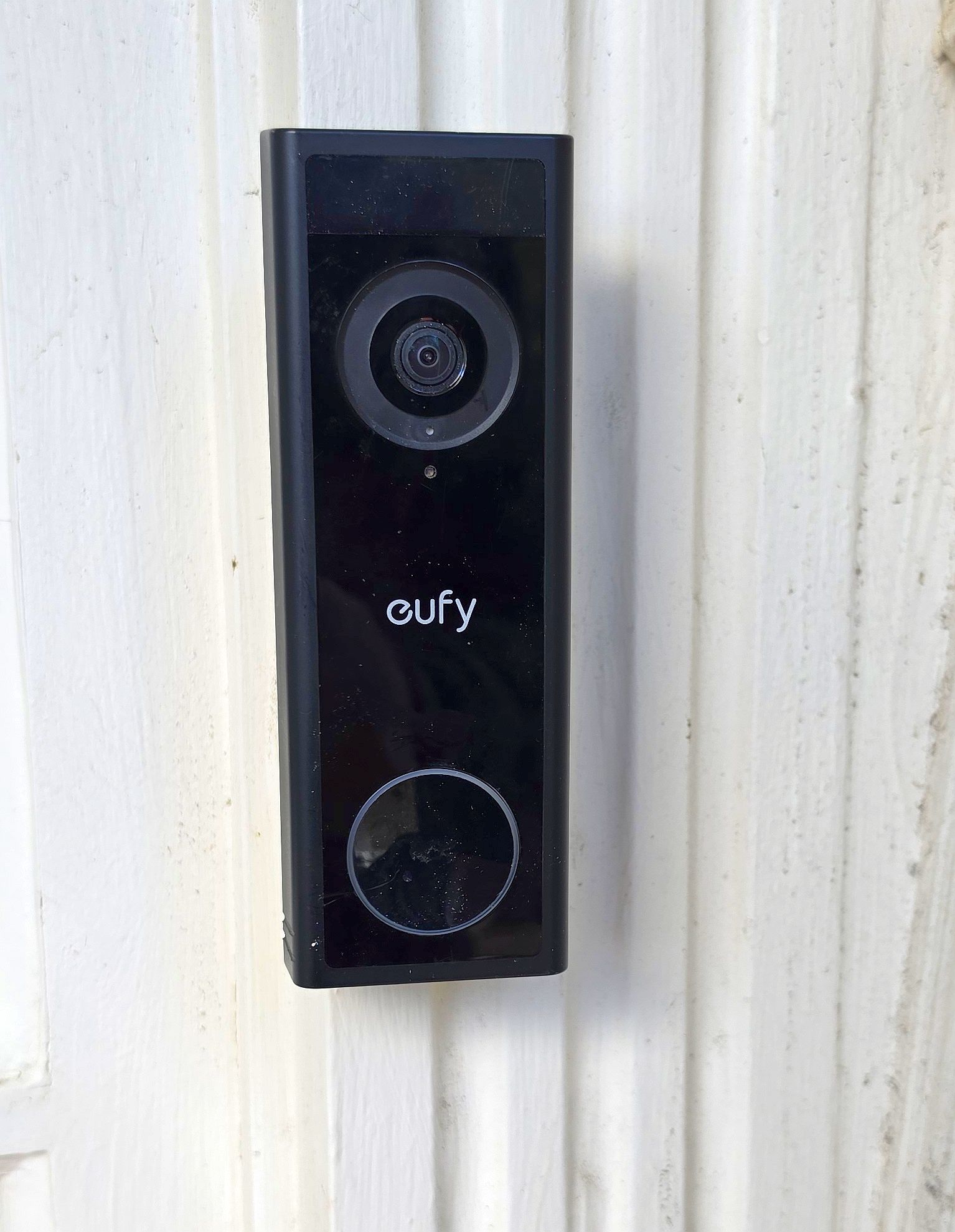
Specifically, the eufy Video Doorbell C30 is battery-powered with 2K daytime video and no subscription required for local storage. In our testing, it excels at real-time alerts and live view, though footage retrieval from the onboard card is noticeably slower without a eufy HomeBase. Consequently, for an apartment where the main goal is knowing someone is at the door right now rather than scrubbing back through footage later, that tradeoff is a reasonable one.
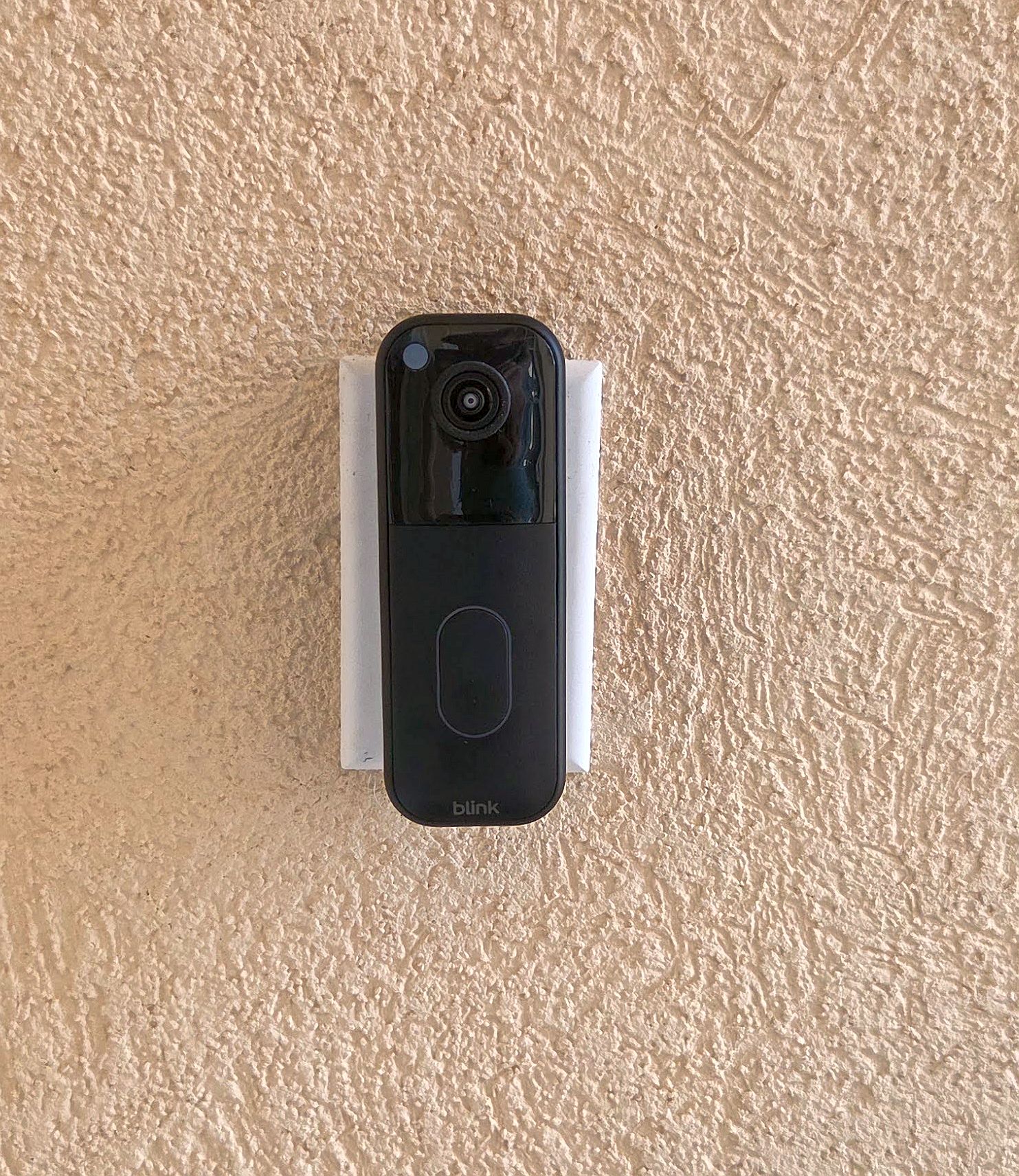
Meanwhile, the Blink Video Doorbell (2nd Gen) is the value pick, with strong battery life and reliable core functionality, though person detection requires a Blink subscription. Therefore, it is a sensible choice for anyone who wants a doorbell without paying much upfront and does not mind a subscription for the smarter alerts.
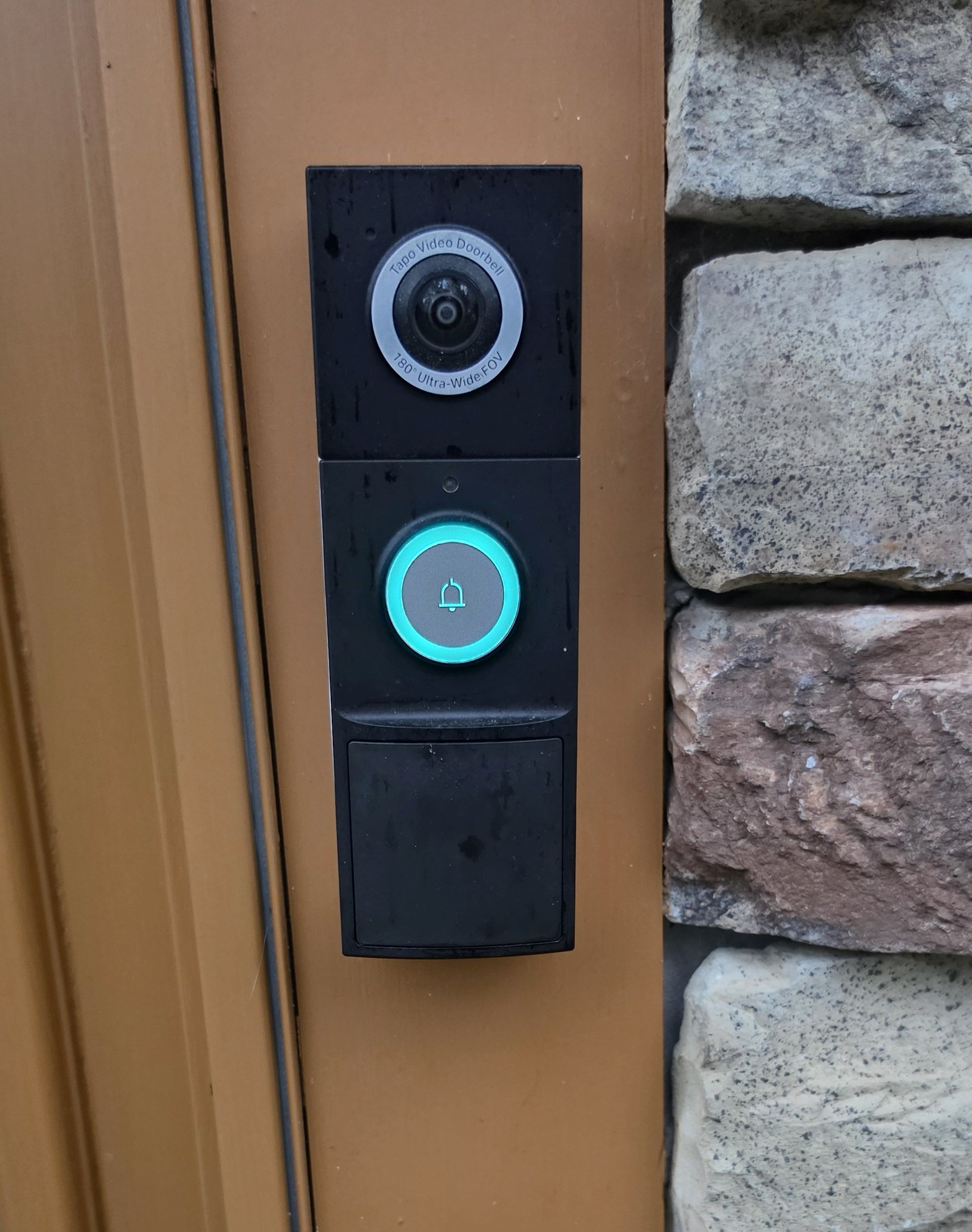
The Tapo D225 is the most feature-complete of the three in our testing: 2K video, a notably wide 180-degree field of view, free AI detection, and free local storage with no subscription needed. Additionally, it can run on battery or low-voltage doorbell wiring, so it adapts to whatever an apartment’s existing setup allows.
Check the Blink Video Doorbell on Amazon
None of these three should be mounted with screws in a rental, and the two mounts worth pairing them with take different approaches to the same problem.
For the Blink Video Doorbell specifically, the Kimilar anti-theft no-drill bracket holds the doorbell against the door frame using a tension-fit design rather than adhesive alone, which matters for a doorbell since it takes some incidental handling every time someone rings it. It comes off cleanly at move-out and leaves no residue behind.
For the Tapo D225 or the eufy C30, the Qwwia universal no-drill mount is the better fit, since it is built to work across Tapo, eufy, Orbitell, and Aosu doorbells rather than being locked to one brand. That flexibility is useful if you switch doorbell brands down the line, since the same mount carries over instead of becoming e-waste.
Check the Kimilar No-Drill Blink Mount on Amazon
Check the Qwwia No-Drill Mount on Amazon
Best for Windows: No Drilling at All
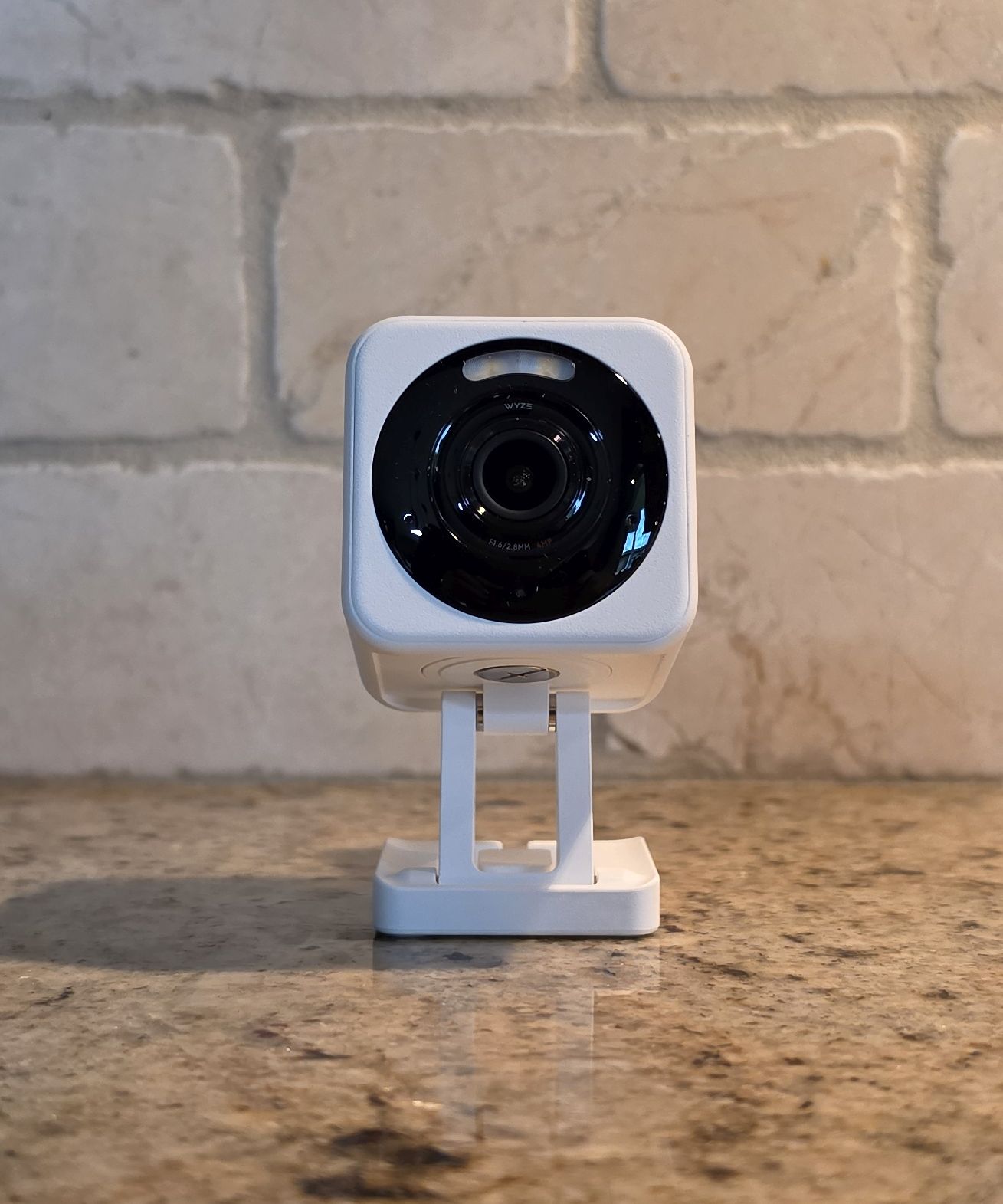
For coverage of a porch, balcony, or street view without touching the glass or the wall around it, mounting a camera against the inside of a window is the most renter-friendly option available. We have not personally tested the purpose-built Wyze Window Cam, so we are not going to claim first-person results on that specific model. However, we have extensively tested other cameras in the Wyze lineup and like them consistently for image quality and value, which is why we can still recommend the window approach with confidence.
Instead, the setup we would point to is a Wyze Cam v4, a camera we have owned and tested extensively, paired with the Wyze Window Mount, an adhesive bracket that holds the camera flush against the glass to prevent infrared glare at night. Without a flush mount, night vision on any camera shooting through glass tends to reflect its own infrared light straight back into the lens, washing out the footage, so the mount is not optional if the camera will be used after dark.
A window screen is a separate problem worth planning around, since a standard mesh screen will noticeably blur daytime footage, so the camera generally needs to sit against a section of window without a screen, or the screen needs to come out while the camera is mounted. Alternatively, if you would rather buy an all-in-one solution without already owning a Wyze camera, the Wyze Window Cam bundles that same idea into a single purchase built specifically for window use.
Check the Wyze Cam v4 on Amazon
Best Indoor Coverage: Tapo C230 vs. Reolink E1 Pro
For a shared living room, a nursery, or general indoor monitoring, both of these owner-tested pan-tilt cameras are strong picks, and which one wins comes down to what you actually need from it.
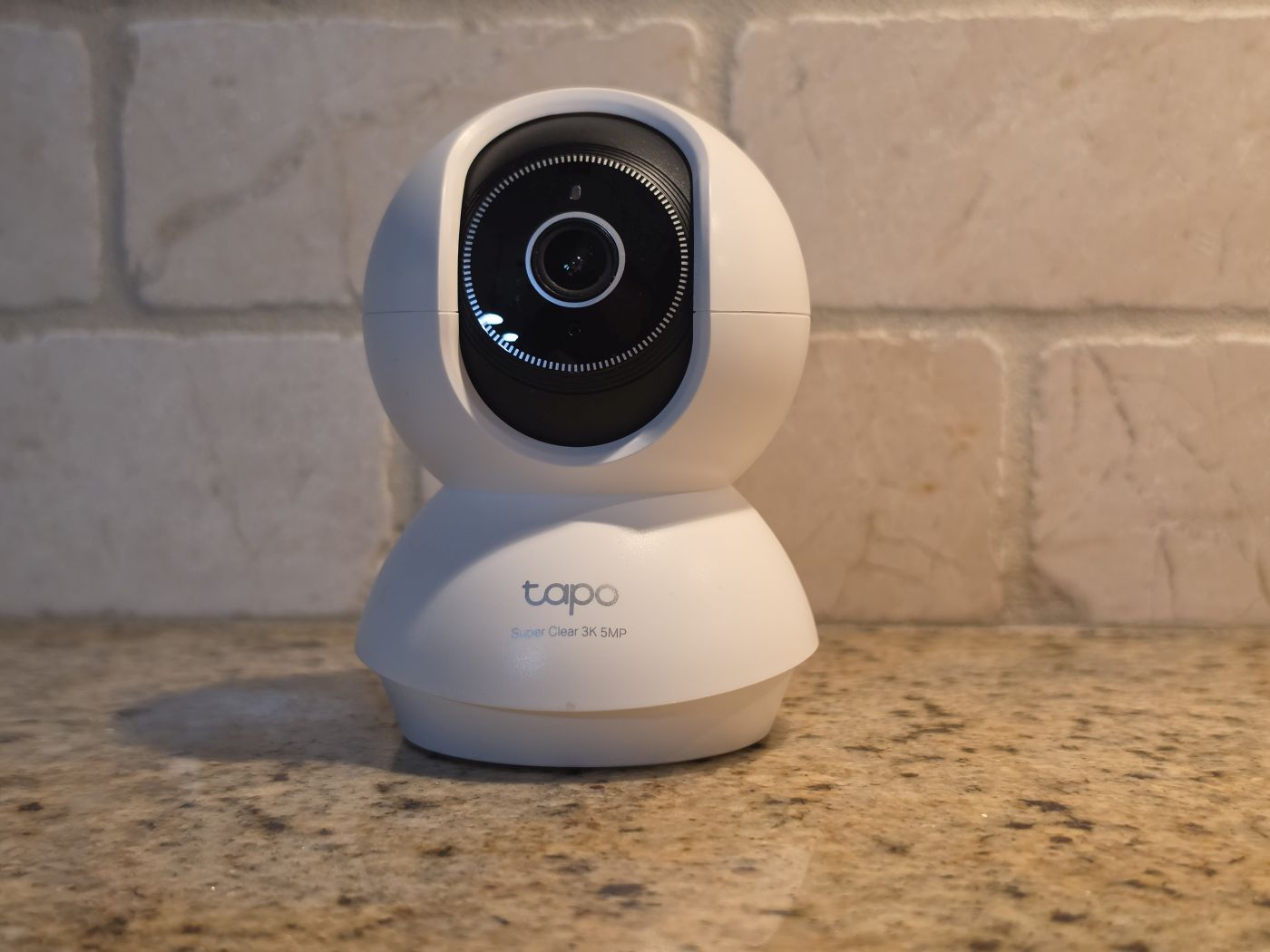
Specifically, the Tapo C230 is the better pick for flexibility. It is lightweight enough for tabletop placement with the included base, so it can be picked up and moved between rooms without committing to a permanent mount, and TP-Link markets it specifically around baby and pet monitoring with 3K resolution and free AI detection.
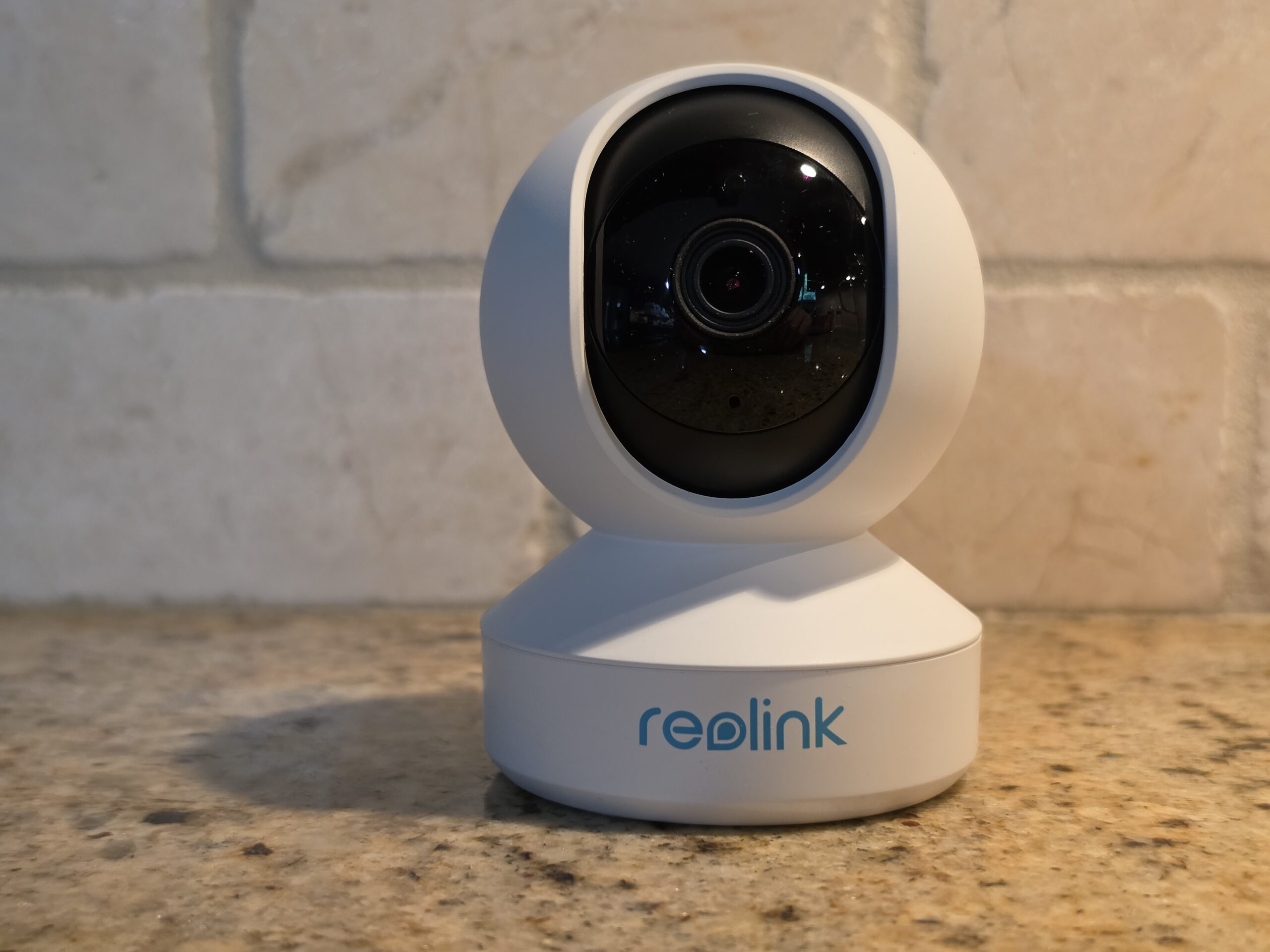
In contrast, the Reolink E1 Pro is the better pick for image quality. Its wider F1.6 aperture pulls in noticeably more light than a typical indoor camera, which shows up directly in low-light footage, and it includes a rear Ethernet port as an option for a more stable connection than relying on Wi-Fi alone.
Check the Reolink E1 Pro on Amazon
Best for the Exterior, If Your Lease Allows It
Before anything else in this section: check your lease. Some landlords are fine with a battery camera on a private balcony or patio and draw the line at anything facing a shared walkway or common entrance. Therefore, confirm what is actually allowed before mounting anything outside.
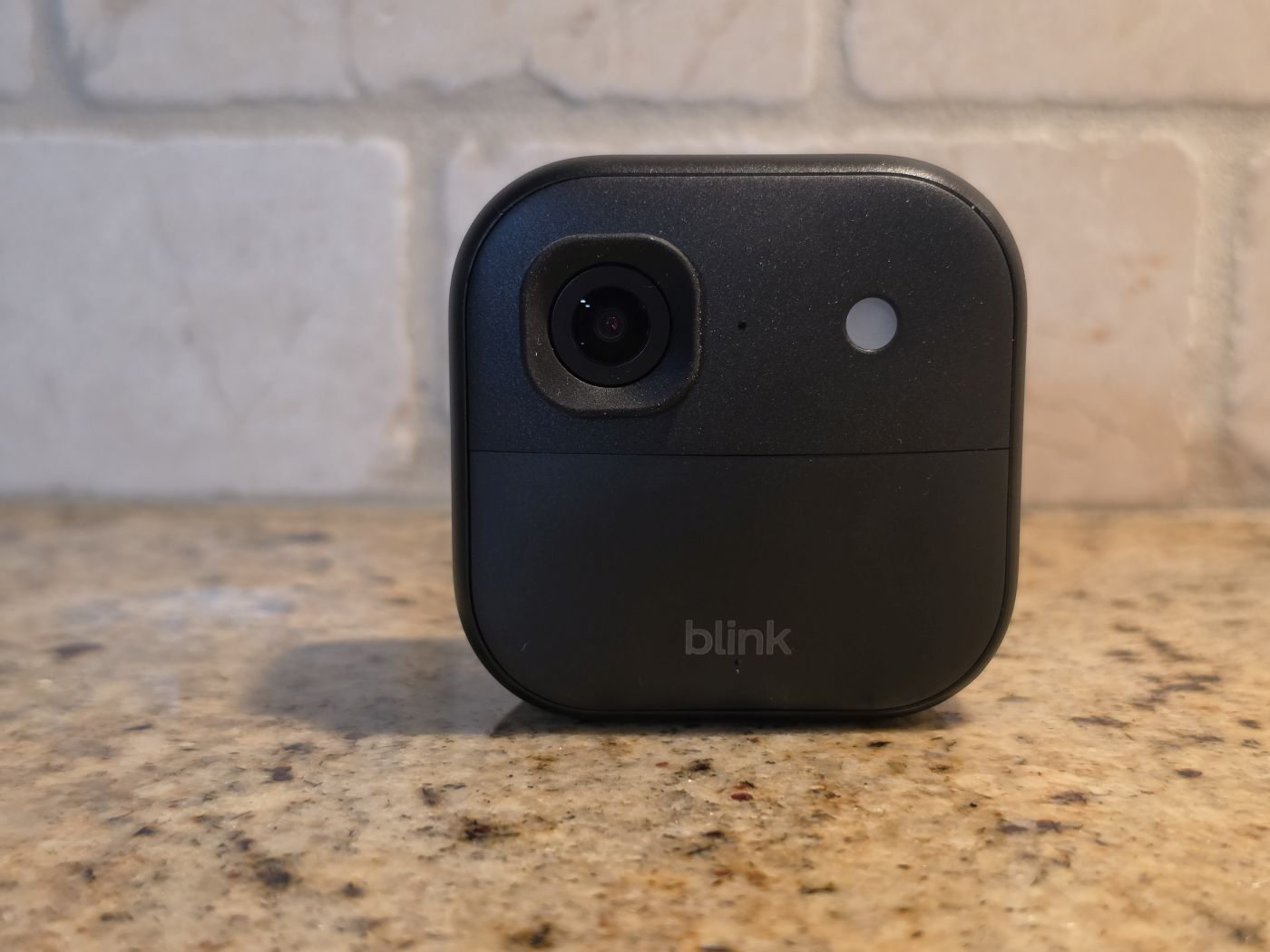
If your lease does allow it, our lead pick is the Blink Outdoor 2K+, Blink’s current flagship battery camera with 2K resolution, color night vision, 4x zoom, and up to two years of battery life on standard AA lithiums. It pairs well with a no-drill vinyl siding clip mount for anyone who wants to avoid touching the exterior at all.
Check the Blink Outdoor 2K+ on Amazon
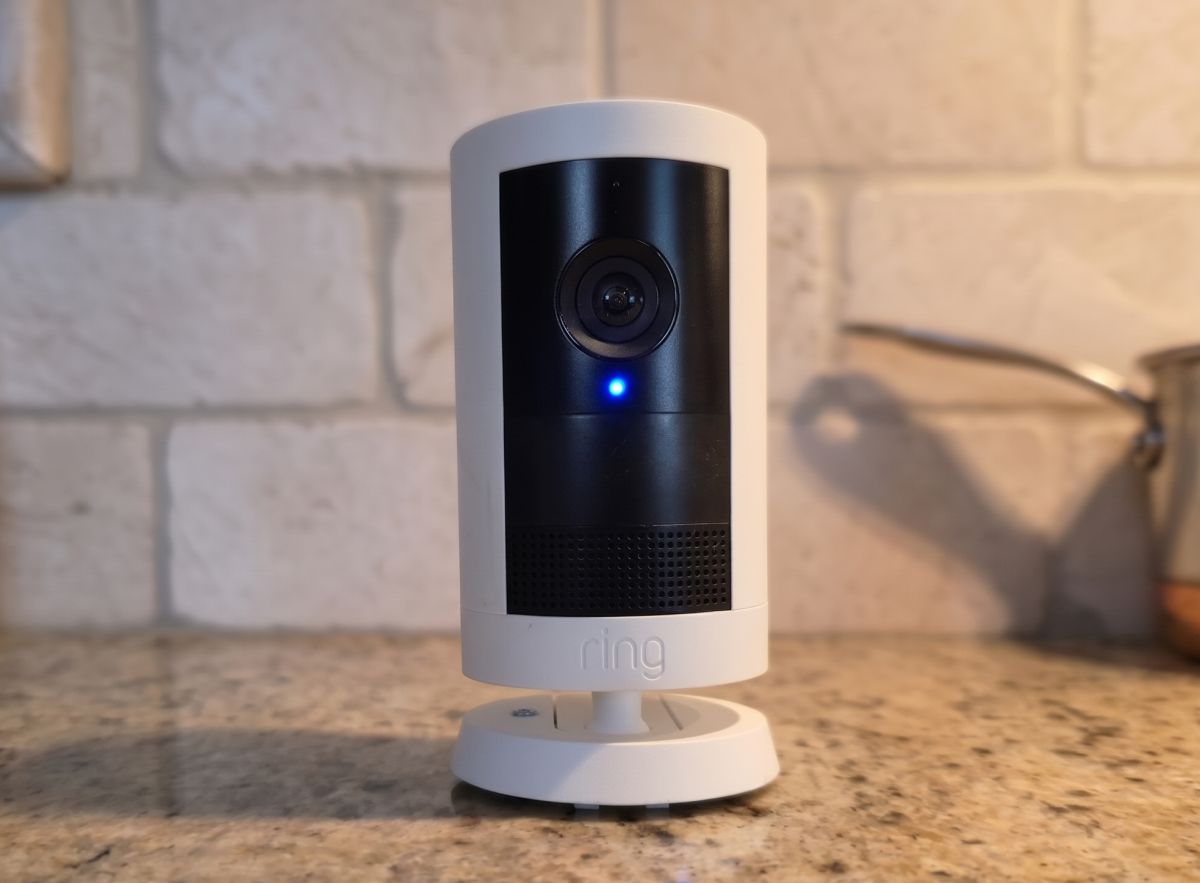
Alternatively, the Ring Outdoor Cam Plus is the stronger pick if you are already invested in the Ring or Alexa ecosystem. It delivers Retinal 2K video, a wider 160-degree field of view than the Blink pick, and four power options including battery, plug-in, solar, and PoE, so it adapts to almost any apartment setup.
The tradeoff worth knowing upfront: unlike the Blink Outdoor 2K+, there is no local storage option at all. Without a Ring Home subscription, the camera provides live view and motion alerts only, with no clip storage and no person or package detection. That makes it a meaningfully bigger ongoing commitment than the Blink pick, so it is worth choosing deliberately rather than defaulting to it out of brand familiarity.
Check the Ring Outdoor Cam Plus on Amazon
One more apartment-specific detail worth planning around: a balcony or patio camera is often farther from the router than any of the indoor picks on this list, and concrete or brick exterior walls block Wi-Fi more aggressively than interior drywall. Before mounting anything outside permanently, it is worth checking the signal strength shown in each camera’s app from that exact spot, since a weak connection there will cause dropped clips and delayed alerts no matter how good the camera itself is.
Storage and Subscriptions: What to Expect
Cost matters differently for a renter than for a homeowner, since an apartment budget is already stretched by rent, a deposit, and moving expenses. Fortunately, most of the picks on this list avoid locking you into a subscription. The Tapo D225 and eufy C30 both offer free local storage with no monthly fee required for basic recording and playback. The Blink Video Doorbell, on the other hand, is the one exception here: its core recording works without a subscription, but person detection specifically is gated behind a Blink subscription, so factor that into the decision if smarter alerts matter more to you than saving a few dollars a month.
For the indoor and exterior picks, both Tapo cameras and the Reolink E1 Pro support local storage via a microSD card, avoiding any subscription entirely, while the Blink Outdoor 2K+ and Ring Outdoor Cam Plus generally push harder toward their respective cloud plans for full feature access. If a subscription-free setup is a priority, lead with the Tapo and eufy lineup and treat the Blink and Ring picks as the tradeoff you make for their smart-home ecosystem depth instead.
Quick Comparison
| Location | Pick | Why |
|---|---|---|
| Door | Tapo D225 | Most feature-complete, no subscription required. |
| Window | Wyze Cam v4 + Window Mount | Owner-tested camera, no drilling, no glare. |
| Indoor, flexible placement | Tapo C230 | Lightweight, tabletop or wall, easy to relocate. |
| Indoor, image quality | Reolink E1 Pro | Wider aperture, optional wired connection. |
| Exterior, if allowed | Blink Outdoor 2K+ | Long battery life, no-drill mount options. |
Frequently Asked Questions
Do I need my landlord’s permission for an indoor security camera?
Generally no, an indoor camera you own and control inside your own unit is standard practice. Exterior cameras and anything facing shared spaces are the ones worth checking your lease over first.
Will a no-drill mount actually damage my door or wall?
A quality adhesive or anti-theft clip mount designed for this purpose should come off cleanly from most painted drywall, wood doors, and similar surfaces. Test any adhesive mount on an inconspicuous spot first, and avoid textured or unfinished surfaces where adhesive tends to grip unevenly.
Can I take these cameras with me when I move?
Yes, that is the point of building a lineup this way. Every pick on this list detaches from its mount without tools and reinstalls just as easily at the next address.
For a deeper breakdown of window-mounted coverage specifically, see our Wyze Window Cam vs. Window Mount comparison. For the full individual reviews of every camera mentioned here, follow the links above, and for more buying guides organized by use case, visit our buying guides hub. For mounts, cables, and other installation gear, see our security camera accessories hub.
